 PLAYS-GAMESCOM
Sign in
PLAYS-GAMESCOM
Sign in
- Bus control with "WASD"
- Gear change with "R" key
- Camera angle change with "C" key
- Open auxiliary mode with "H" key
- Open menu screen with "Esc" key
For mobile control, there are button and steering wheel controls.
Bus Parking is a free online simulator that challenges your parking skills. You face tough courses with obstacles and time limits and aim for quick, precise parking. It suits all skill levels and puts your driving to the test as you try to earn the title of parking master. The bus is controlled with WASD, R changes gear, C changes the camera angle, H opens an auxiliary mode and Esc opens the menu. On mobile there are buttons and a steering wheel. The game works on desktop and mobile and is displayed in landscape. Tip: drive slowly and use the camera views to check the sides and the rear of the bus, change gear to reverse early when you line up with a space and avoid rushing, since a time limit is no use if you hit an obstacle.
In the same vein on Plays Games: Driver Club: Highway Racing, Race On Cars in Moscow and Furious GT Drift.
Sign in to join the conversation.
Bus Parking is a free online simulator that challenges your parking skills. You face tough courses with obstacles and time limits and aim for quick, precise parking. It suits all skill levels and puts your driving to the test as you try to earn the title of parking master. The bus is controlled with WASD, R changes gear, C changes the camera angle, H opens an auxiliary mode and Esc opens the menu. On mobile there are buttons and a steering wheel. The game works on desktop and mobile and is displayed in landscape. Tip: drive slowly and use the camera views to check the sides and the rear of the bus, change gear to reverse early when you line up with a space and avoid rushing, since a time limit is no use if you hit an obstacle.
In the same vein on Plays Games: Driver Club: Highway Racing, Race On Cars in Moscow and Furious GT Drift.
- Bus control with "WASD"
- Gear change with "R" key
- Camera angle change with "C" key
- Open auxiliary mode with "H" key
- Open menu screen with "Esc" key
For mobile control, there are button and steering wheel controls.
 Toybox: Pixel World Sandbox
 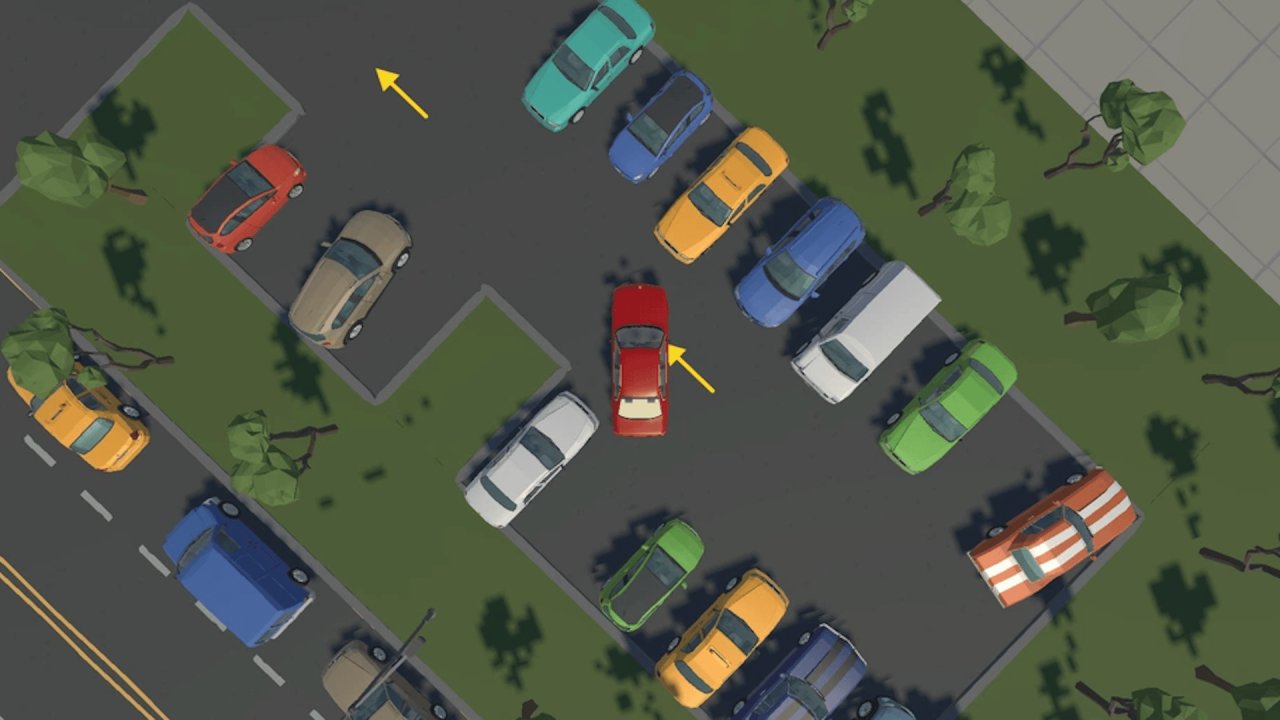 Parking Master: Urban Challenges
  My Arcade Center
  Scary Rooms: Idle Horror
  Race On Cars in Moscow
  Plants Vs Steal Brainrots