 PLAYS-GAMESCOM
Sign in
PLAYS-GAMESCOM
Sign in
Your task is to transform black-and-white images into vibrant works of art by coloring them by numbers. You can play on both computers and touch devices like phones and tablets.
Controls:
1. Select a category from the gallery, then choose a picture to get started.
2. Zoom in or out: Use the slider at the top of the screen, pinch gestures, or your mouse wheel to focus on details.
3. Pick a color: Choose the desired color from the palette at the bottom of the screen.
4. Color by numbers: Find the corresponding areas and bring the picture to life with color.
5. Use boosters: Speed up the coloring process with special tools and achieve the best results.
Color Pixels - Coloring by Numbers is a relaxing colouring game in which you turn black and white images into colourful works of art. Each area of the picture has a number that tells you which colour to use.
You choose a category from the gallery, select a picture and follow the numbers to fill in each section. The process is calming and easy, allowing anyone to create beautiful results without needing artistic skill. It is free to play and suits players of all ages.
Select a colour and tap or click the matching numbered areas, using a slider to zoom in and out. The game runs on computers and touch devices in landscape mode. Zoom in on detailed areas with many small sections, because it makes it much easier to tap the right squares and avoid missing tiny pieces that would leave the picture incomplete.
If it clicks with you, Brain Coloring Puzzle, Cozy Coloring and Diamond Painting by Number are close in spirit.
Sign in to join the conversation.
Color Pixels - Coloring by Numbers is a relaxing colouring game in which you turn black and white images into colourful works of art. Each area of the picture has a number that tells you which colour to use.
You choose a category from the gallery, select a picture and follow the numbers to fill in each section. The process is calming and easy, allowing anyone to create beautiful results without needing artistic skill. It is free to play and suits players of all ages.
Select a colour and tap or click the matching numbered areas, using a slider to zoom in and out. The game runs on computers and touch devices in landscape mode. Zoom in on detailed areas with many small sections, because it makes it much easier to tap the right squares and avoid missing tiny pieces that would leave the picture incomplete.
If it clicks with you, Brain Coloring Puzzle, Cozy Coloring and Diamond Painting by Number are close in spirit.
Your task is to transform black-and-white images into vibrant works of art by coloring them by numbers. You can play on both computers and touch devices like phones and tablets.
Controls:
1. Select a category from the gallery, then choose a picture to get started.
2. Zoom in or out: Use the slider at the top of the screen, pinch gestures, or your mouse wheel to focus on details.
3. Pick a color: Choose the desired color from the palette at the bottom of the screen.
4. Color by numbers: Find the corresponding areas and bring the picture to life with color.
5. Use boosters: Speed up the coloring process with special tools and achieve the best results.
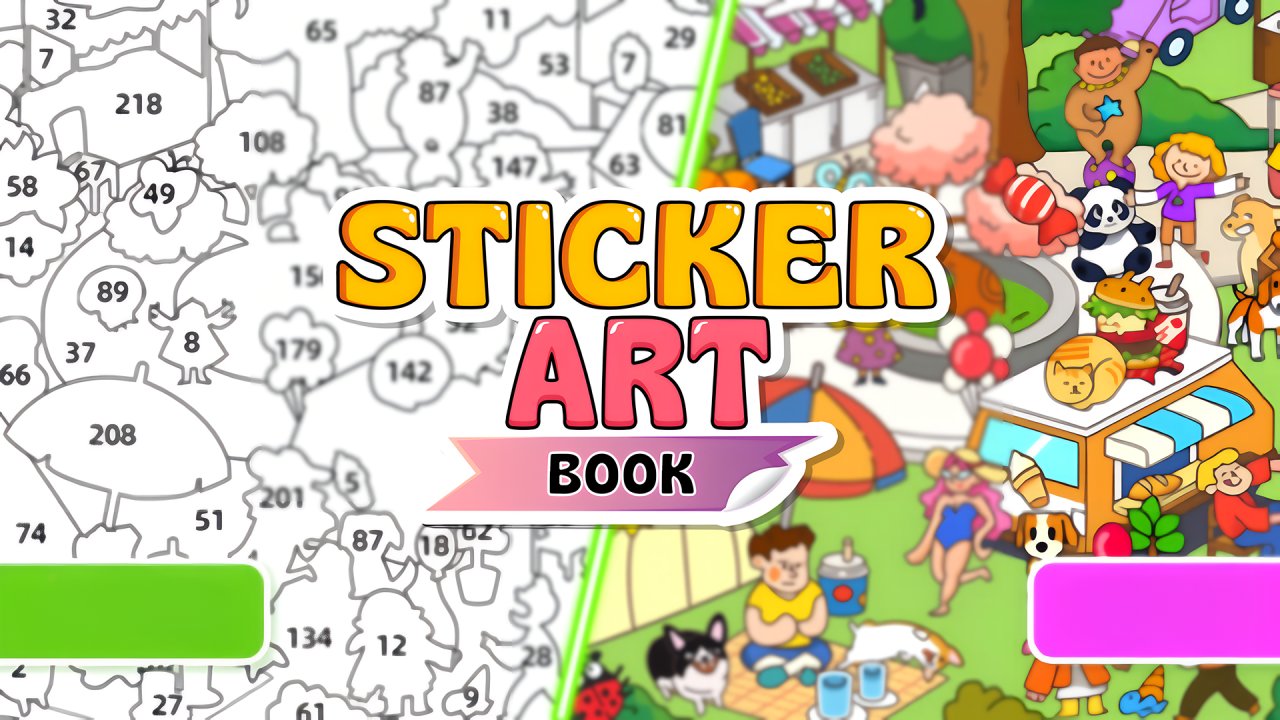 Sticker Art Book Puzzle
 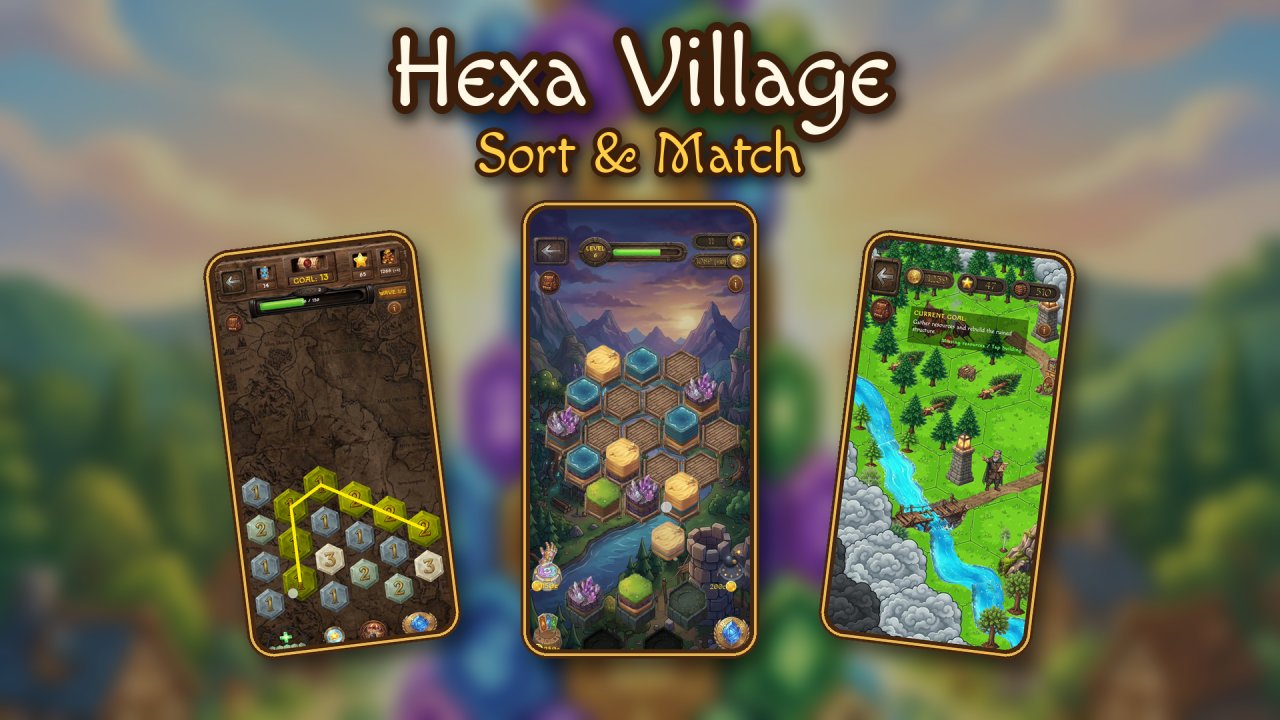 Hexa Village: Sort & Match
  Ball Attack
 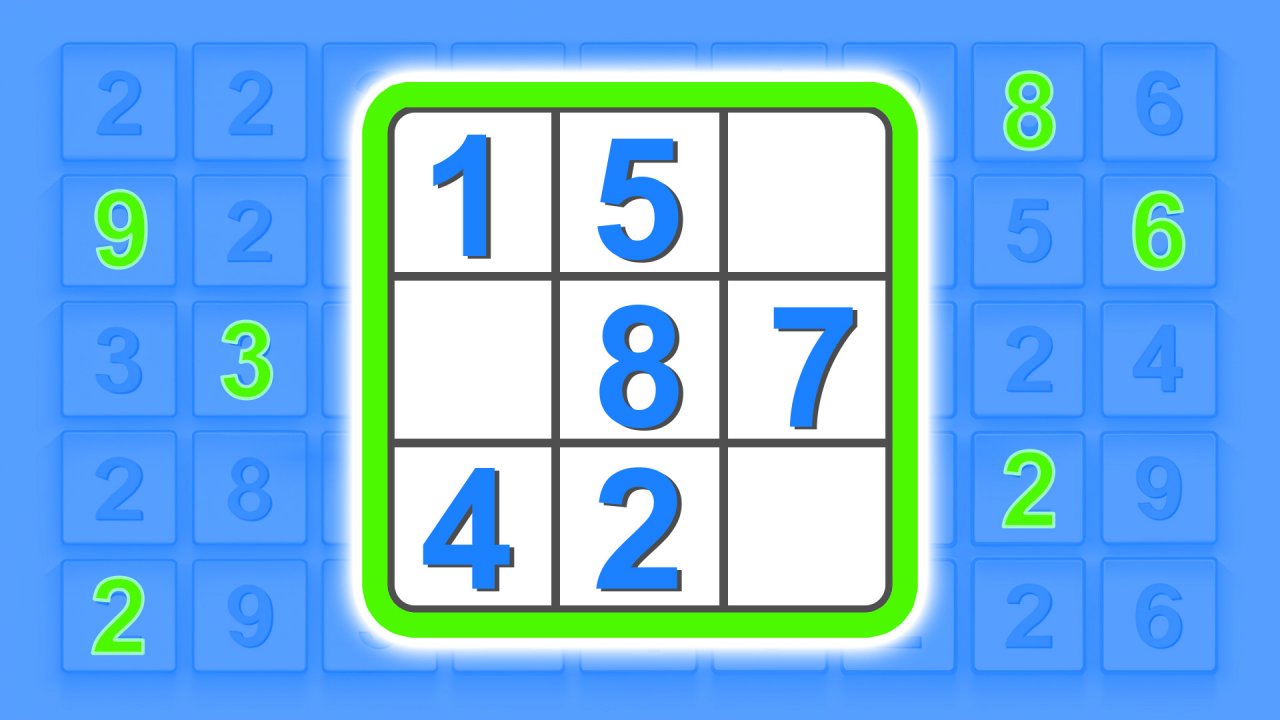 Sudoku
  Slide And Divide
  Nullify - Merge Math