 PLAYS-GAMESCOM
Sign in
PLAYS-GAMESCOM
Sign in
PC/Keyboard Controls:
• Camera movement: use the Arrow keys or W, A, S, D.
Mobile/Touchscreen Controls:
• Camera movement: touch the bottom-left area of the screen and drag your finger.
Epic Battle Simulator 2 is a strategy game about planning large-scale battles. You choose your troops, place them on the battlefield and watch the fight unfold with realistic physics and ragdoll effects.
A campaign of levels tests your tactics, while custom mode lets you create your own battles. Improved placement tools give precise control, and you can fully upgrade your army. Enhanced AI makes opponents more challenging.
On a keyboard you move the camera with the arrows or WASD. On a touch screen you drag in the bottom-left area to move it.
It suits players who enjoy army management and watching big battles play out.
Protect your ranged units with a front line. Placing tough troops ahead of archers keeps them alive long enough to win the fight.
In the same vein on Plays Games: Epic Battle Simulator, My Army Base and Prásino.
Sign in to join the conversation.
Epic Battle Simulator 2 is a strategy game about planning large-scale battles. You choose your troops, place them on the battlefield and watch the fight unfold with realistic physics and ragdoll effects.
A campaign of levels tests your tactics, while custom mode lets you create your own battles. Improved placement tools give precise control, and you can fully upgrade your army. Enhanced AI makes opponents more challenging.
On a keyboard you move the camera with the arrows or WASD. On a touch screen you drag in the bottom-left area to move it.
It suits players who enjoy army management and watching big battles play out.
Protect your ranged units with a front line. Placing tough troops ahead of archers keeps them alive long enough to win the fight.
In the same vein on Plays Games: Epic Battle Simulator, My Army Base and Prásino.
PC/Keyboard Controls:
• Camera movement: use the Arrow keys or W, A, S, D.
Mobile/Touchscreen Controls:
• Camera movement: touch the bottom-left area of the screen and drag your finger.
 Archer Madness: Crystal Defense
  The long way home
  Mega Sweet Fruits - Popper
  My Army Base
 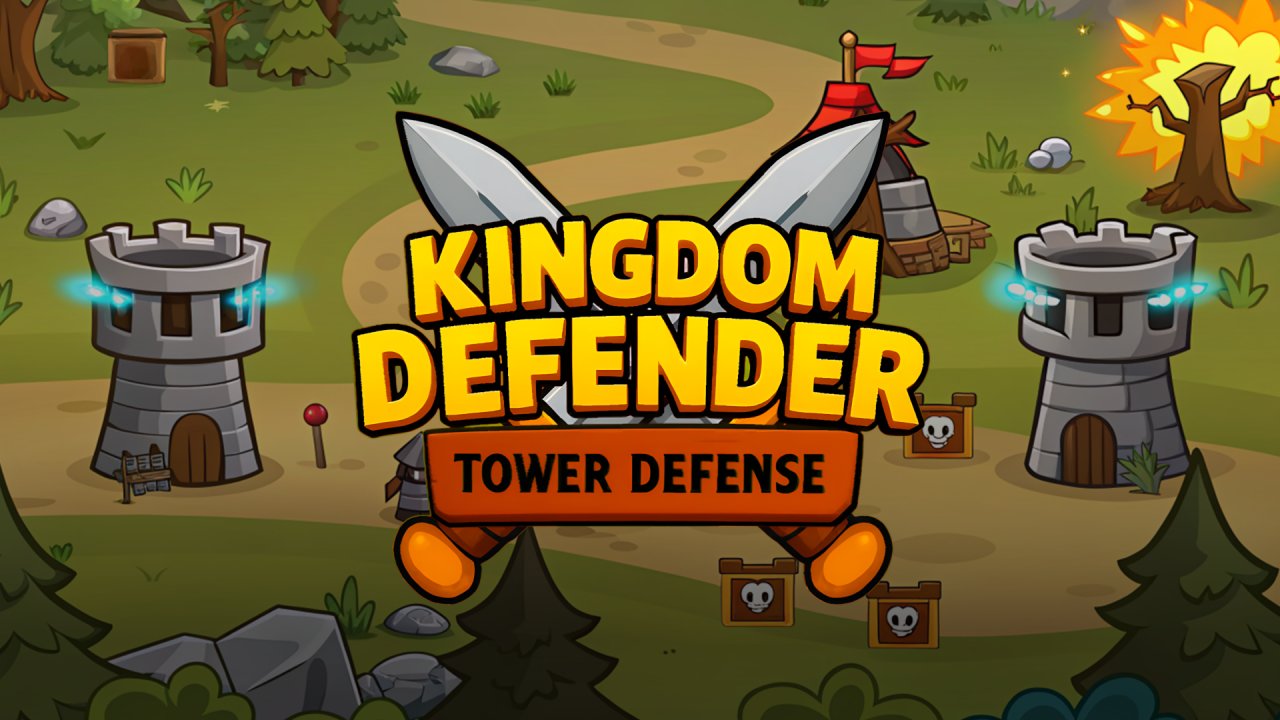 Kingdom Defender - Tower Defense
  PVZ Fusion Cheats