 PLAYS-GAMESCOM
Sign in
PLAYS-GAMESCOM
Sign in
On PC:
- Use the cursor and left mouse button to grab and move the puzzle element
- Use the mouse wheel to zoom in or out and to scroll through the elements feed
On mobile devices:
- Use your fingers to move elements and scale the screen
Favorite Puzzles is a jigsaw game with an endless gallery of beautiful images to choose from. It suits children and adults alike, because you decide how hard each puzzle will be, from as few as six pieces up to twelve hundred.
Several tools make assembling easier when you want them. You can ask for a hint, show the reference image and display a grid on the board. For a tougher challenge, Realistic mode is available, making the experience closer to a real puzzle on a table.
On a computer, grab and move pieces with the left mouse button, and use the mouse wheel to zoom and scroll through the row of pieces. On phones and tablets, use your fingers to move pieces and pinch to zoom. The game is calm and relaxing. Begin with the edges to build the frame, then group the remaining pieces by colour, which makes finding where each one belongs much faster.
Similar picks on Plays Games: Yarn Fever! Unravel Puzzle, Picture Jam Factory and Wood Blocks Jam.
Sign in to join the conversation.
Favorite Puzzles is a jigsaw game with an endless gallery of beautiful images to choose from. It suits children and adults alike, because you decide how hard each puzzle will be, from as few as six pieces up to twelve hundred.
Several tools make assembling easier when you want them. You can ask for a hint, show the reference image and display a grid on the board. For a tougher challenge, Realistic mode is available, making the experience closer to a real puzzle on a table.
On a computer, grab and move pieces with the left mouse button, and use the mouse wheel to zoom and scroll through the row of pieces. On phones and tablets, use your fingers to move pieces and pinch to zoom. The game is calm and relaxing. Begin with the edges to build the frame, then group the remaining pieces by colour, which makes finding where each one belongs much faster.
Similar picks on Plays Games: Yarn Fever! Unravel Puzzle, Picture Jam Factory and Wood Blocks Jam.
On PC:
- Use the cursor and left mouse button to grab and move the puzzle element
- Use the mouse wheel to zoom in or out and to scroll through the elements feed
On mobile devices:
- Use your fingers to move elements and scale the screen
 Royal Smash Puzzle Game
  Boomix
  A Mother's Grief
 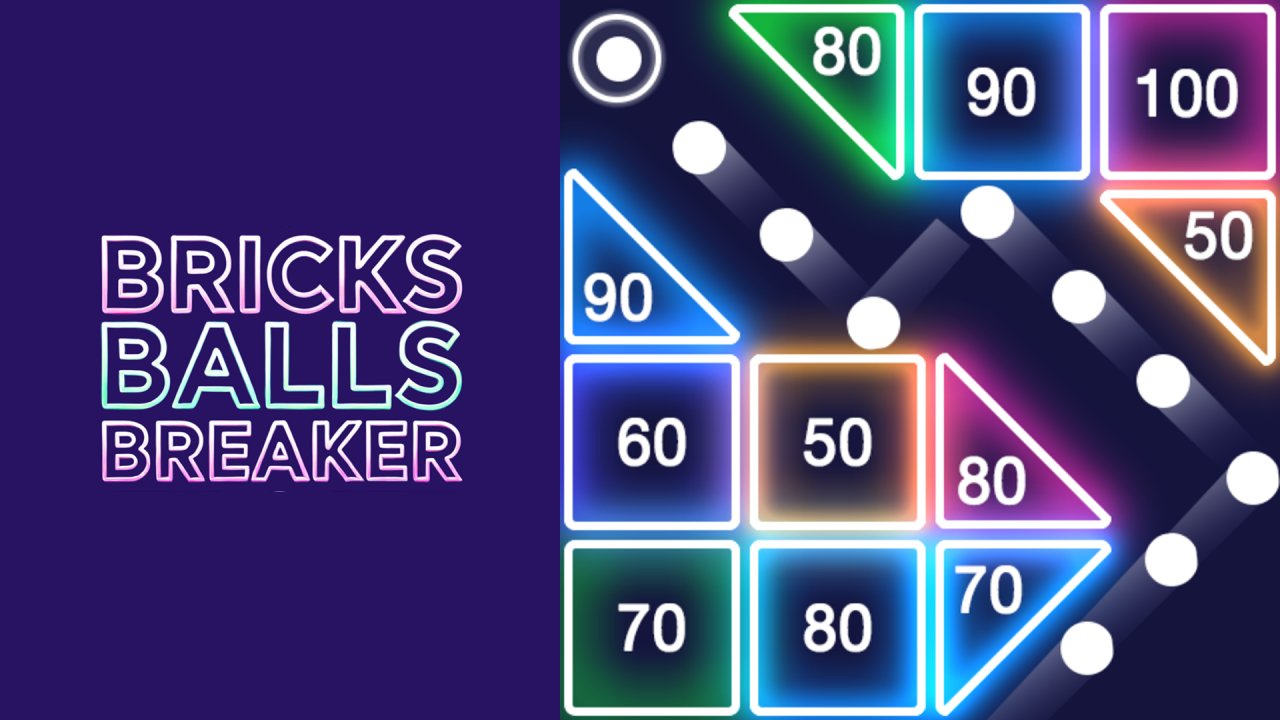 Bricks Balls Breaker
 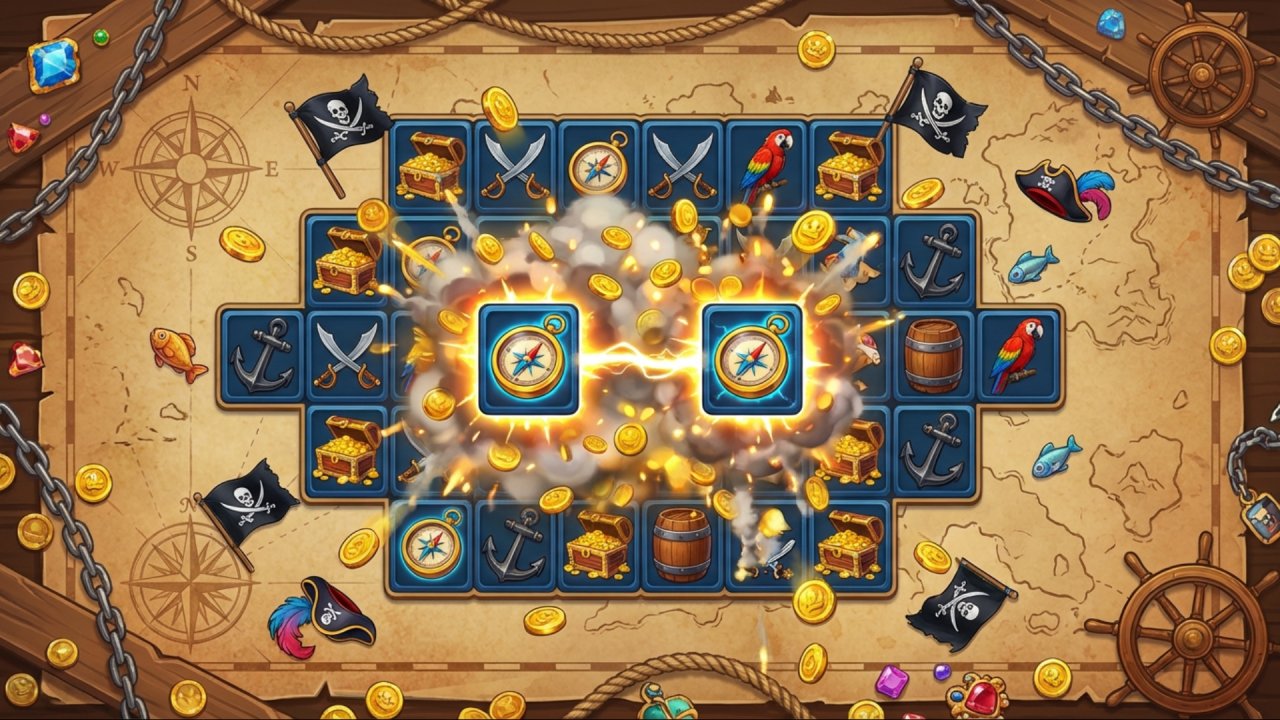 Pirates Tiles Challenge
 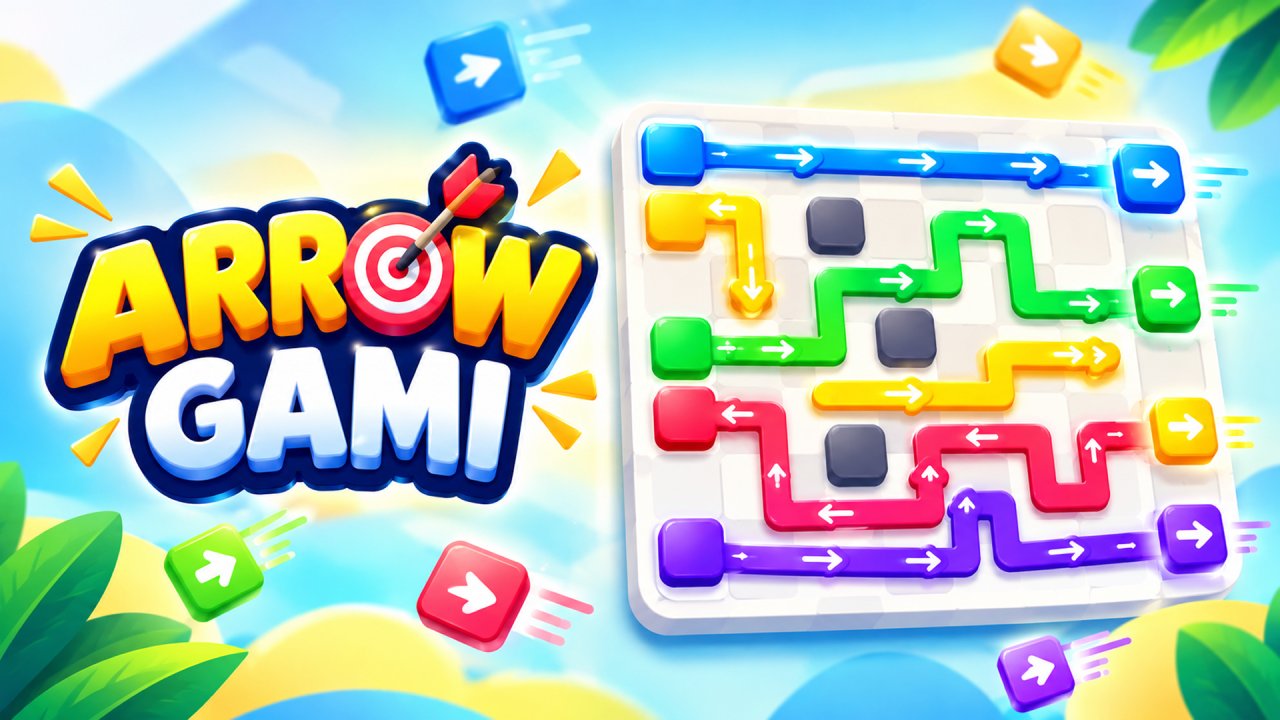 ArrowGami: Arrow Puzzle