 PLAYS-GAMESCOM
Sign in
PLAYS-GAMESCOM
Sign in
Desktop Controls:
W, ↑ (Up Arrow): Move upward.
S, ↓ (Down Arrow): Move downward.
A, ← (Left Arrow): Move left.
D, → (Right Arrow): Move right.
Q = switch vehicles
E = load / unload
Mobile Controls:
↑ : Move upward.
↓ : Move downward.
←: Move left.
→: Move right.
Field Master is a casual farming simulator in which you drive powerful agricultural machines. You go through the whole farming cycle: plowing fields with a tractor, sowing seeds with precision seeders, tending crops while they grow and, when harvest season arrives, taking control of massive combines. Every step from soil preparation to harvest is in your hands, giving you a mix of relaxation and realism. On a computer, W, A, S, D or the arrow keys move the vehicle, Q switches vehicles and E loads or unloads. On mobile, directional arrows are shown on the screen. The game is displayed in 3D in landscape. Tip: plow in neat parallel rows so no strip is left out, and switch to the right machine for each stage.
If it clicks with you, Cube Island 3D, Farm Care Tycoon and Dream Supermarket: 3D Shop are close in spirit.
Sign in to join the conversation.
Field Master is a casual farming simulator in which you drive powerful agricultural machines. You go through the whole farming cycle: plowing fields with a tractor, sowing seeds with precision seeders, tending crops while they grow and, when harvest season arrives, taking control of massive combines. Every step from soil preparation to harvest is in your hands, giving you a mix of relaxation and realism. On a computer, W, A, S, D or the arrow keys move the vehicle, Q switches vehicles and E loads or unloads. On mobile, directional arrows are shown on the screen. The game is displayed in 3D in landscape. Tip: plow in neat parallel rows so no strip is left out, and switch to the right machine for each stage.
If it clicks with you, Cube Island 3D, Farm Care Tycoon and Dream Supermarket: 3D Shop are close in spirit.
Desktop Controls:
W, ↑ (Up Arrow): Move upward.
S, ↓ (Down Arrow): Move downward.
A, ← (Left Arrow): Move left.
D, → (Right Arrow): Move right.
Q = switch vehicles
E = load / unload
Mobile Controls:
↑ : Move upward.
↓ : Move downward.
←: Move left.
→: Move right.
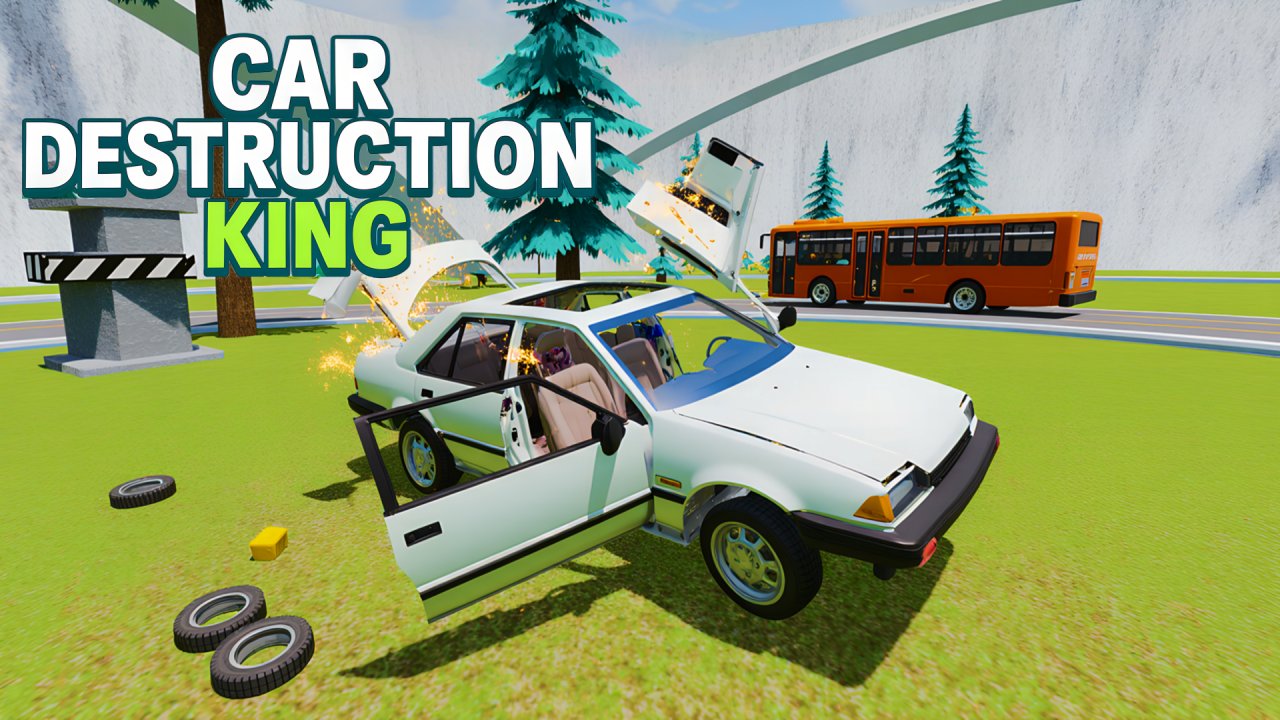 Car Destruction King
  Card Quest: 10 Minute Adventure
  Money cutter idle
  Obby: Build an ASMR Keyboard Tycoon
  Voxel Playground: Ragdoll Noob
  Noob Fuse