 PLAYS-GAMESCOM
Sign in
PLAYS-GAMESCOM
Sign in
Controls:
📱 Mobile
Use the on-screen buttons to control your car.
🖥️ Desktop
Player 1:
W / S — Accelerate / Brake
A / D — Steer
Space — Handbrake / Drift
Player 2 (Local Co-op):
↑ / ↓ — Accelerate / Brake
← / → — Steer
Right Shift — Handbrake / Drift
Controls can be customized in the game settings.
Racing: Online! is a browser racing game where you race real opponents online. Winning pushes you higher in the global rankings.
Drifting is a big part of the driving, rewarding players who master it with faster times through corners. A garage of distinct cars can be collected, special events for a short time offer rare models, and daily tasks keep progress moving. You can also open a private room to race and talk with friends, or play against someone sitting next to you on the same device.
On desktop, player one uses W and S to accelerate and brake, A and D to steer and Space to drift. Player two uses the arrow keys and Right Shift. Phones and tablets show touch buttons. Controls can be customised in the settings. Start drifting slightly before a corner rather than in the middle of it, because an early drift keeps your speed high and sets you up for a clean exit.
If it clicks with you, Micro GT Racing, RIVALS FPS: Online Shooter and StreetRacer: Realistic Destruction are close in spirit.
Sign in to join the conversation.
Racing: Online! is a browser racing game where you race real opponents online. Winning pushes you higher in the global rankings.
Drifting is a big part of the driving, rewarding players who master it with faster times through corners. A garage of distinct cars can be collected, special events for a short time offer rare models, and daily tasks keep progress moving. You can also open a private room to race and talk with friends, or play against someone sitting next to you on the same device.
On desktop, player one uses W and S to accelerate and brake, A and D to steer and Space to drift. Player two uses the arrow keys and Right Shift. Phones and tablets show touch buttons. Controls can be customised in the settings. Start drifting slightly before a corner rather than in the middle of it, because an early drift keeps your speed high and sets you up for a clean exit.
If it clicks with you, Micro GT Racing, RIVALS FPS: Online Shooter and StreetRacer: Realistic Destruction are close in spirit.
Controls:
📱 Mobile
Use the on-screen buttons to control your car.
🖥️ Desktop
Player 1:
W / S — Accelerate / Brake
A / D — Steer
Space — Handbrake / Drift
Player 2 (Local Co-op):
↑ / ↓ — Accelerate / Brake
← / → — Steer
Right Shift — Handbrake / Drift
Controls can be customized in the game settings.
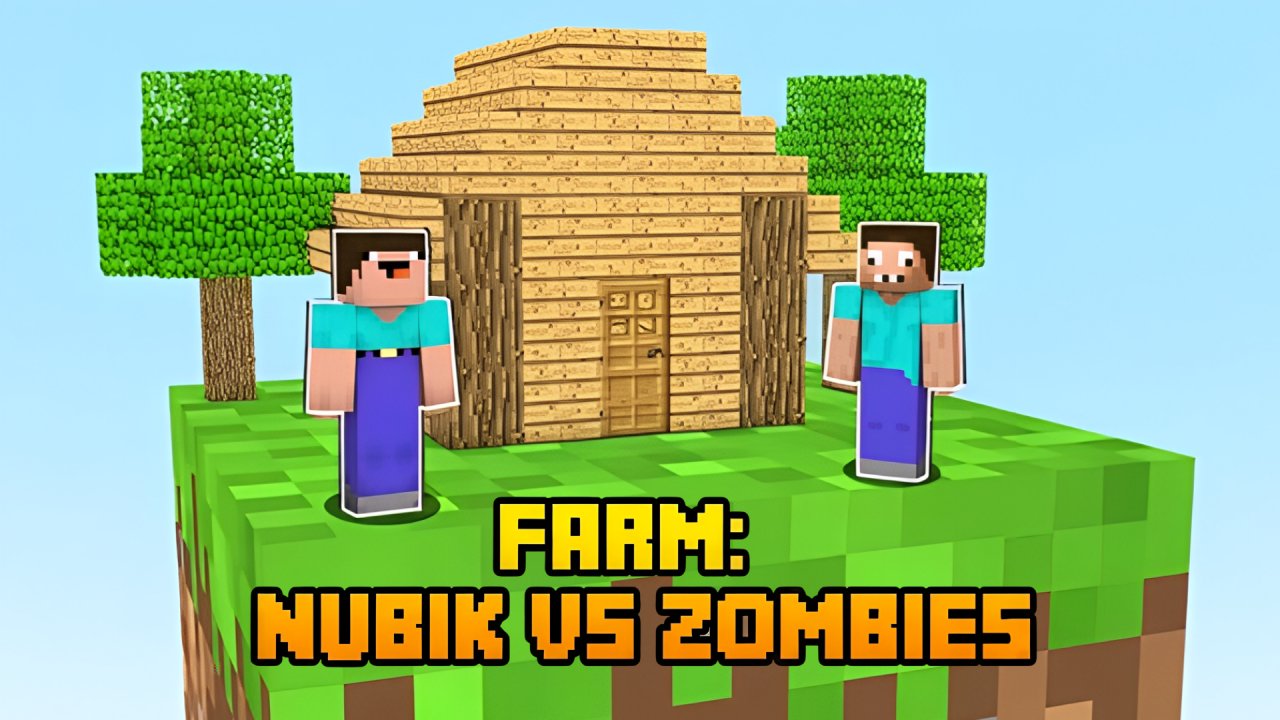 Farm: Nubik Vs Zombies
 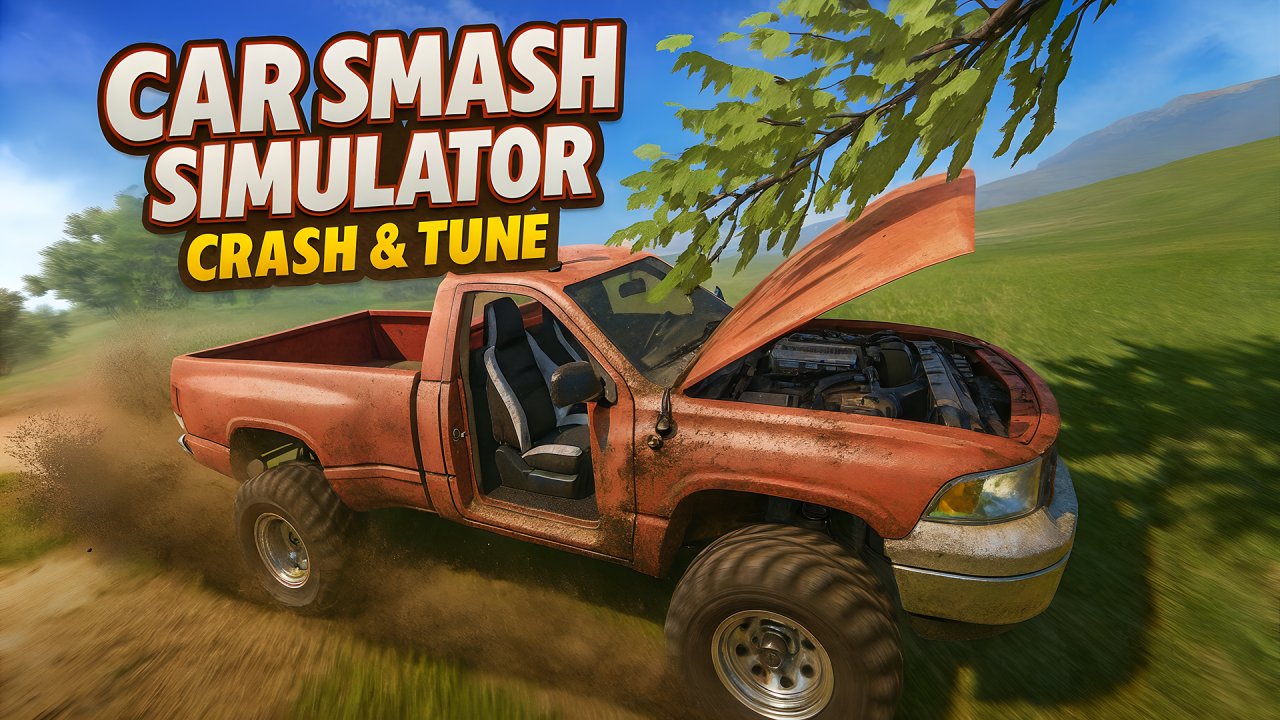 Car Smash Simulator: Crash & Tune
 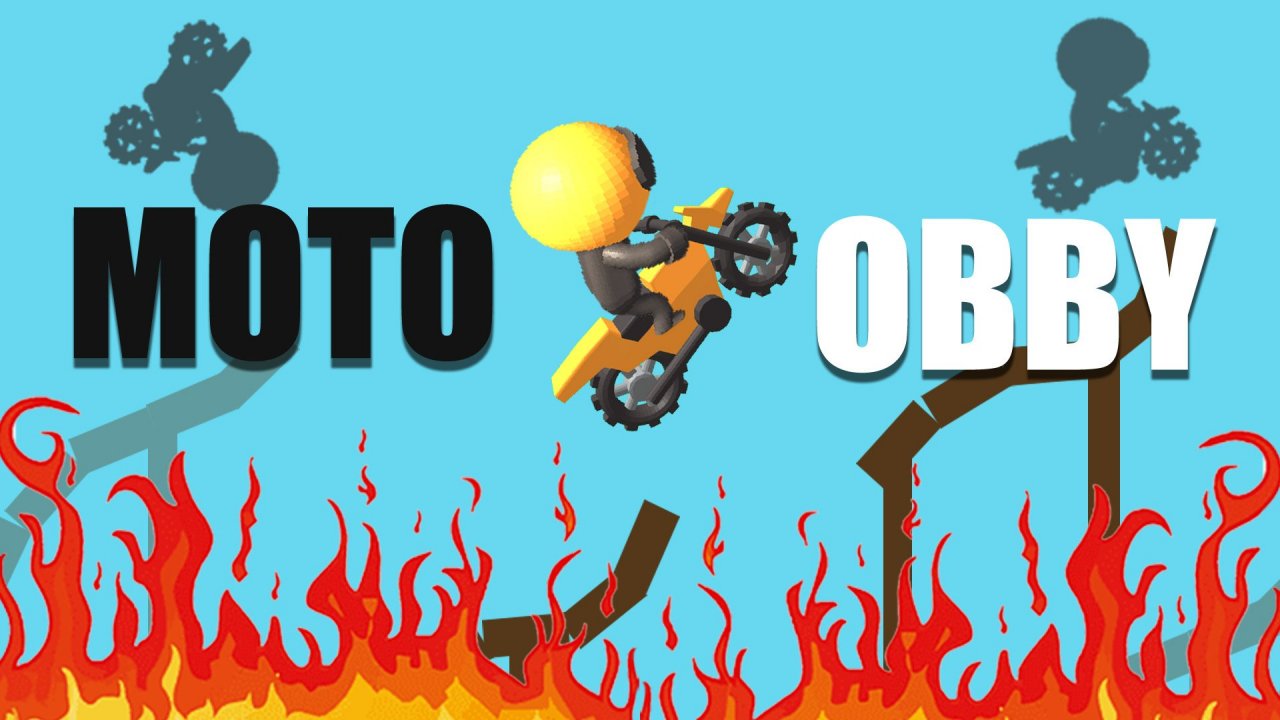 Moto Obby
 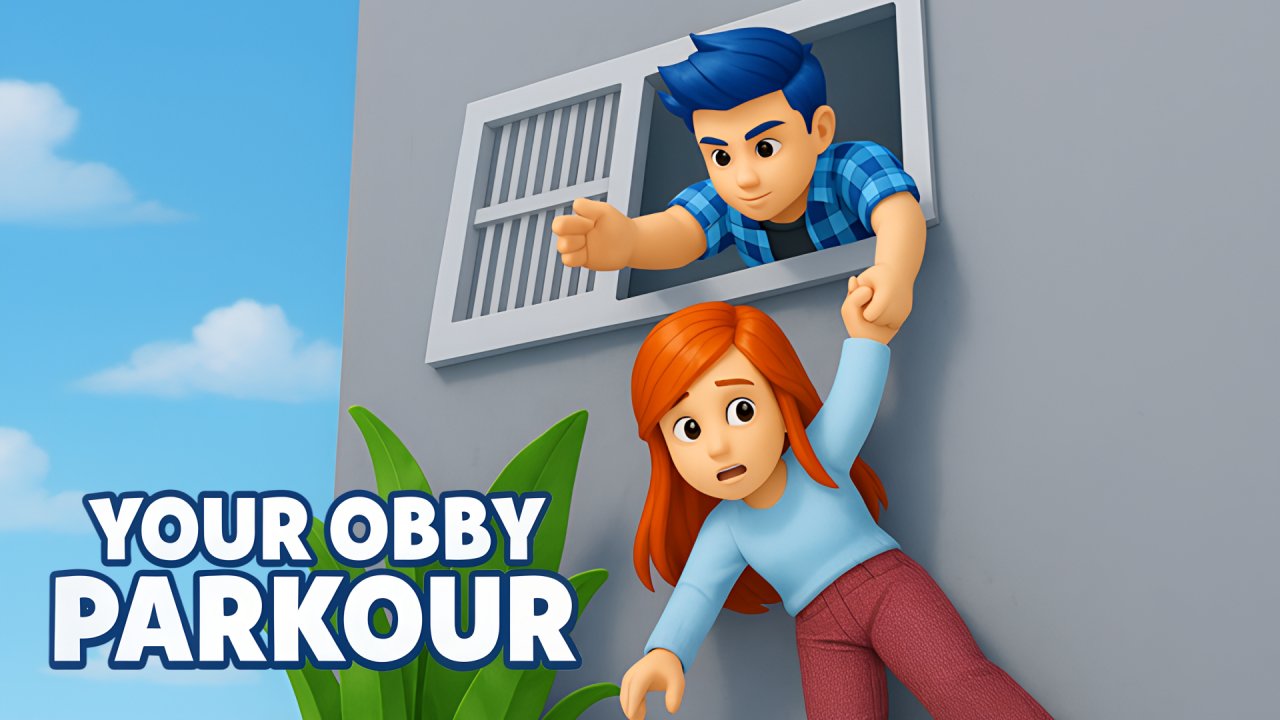 Your Obby Parkour
  Blocks Shooter 3D! Run, Shoot, Merge Weapons!
  Meccha Chameleon Online