 PLAYS-GAMESCOM
Sign in
PLAYS-GAMESCOM
Sign in
ControlsDesktop ControlsWASD = movementMouse = camera rotationLMB = interactionR = hintP = pauseMobile ControlsJoystick = movementScreen Swipes = camera rotationOn-screen buttons = interaction, pause, and prompt
Schoolboy Escape: Runaway is a first-person stealth game set in a dark old house. You play a kid who promised to meet his friends, but strict parents have locked him in. To keep the promise, you need to sneak out without being seen.
It plays like a light horror game. Corridors are dim, floors creak, and you rely on footsteps and rustling to guess where your parents are. Hiding at the right moment matters as much as moving.
The house is interactive, and searching rooms for items and clues is part of finding the way out.
On desktop you move with WASD, look with the mouse, interact with the left click, ask for a hint with R and pause with P. On mobile you get a joystick, swipe to look around and on-screen buttons for actions.
Play with headphones. Sound tells you where a parent is long before you see them.
In the same vein on Plays Games: Barry Prison: Parkour Escape!, Your Obby Parkour and Head Jump.
Sign in to join the conversation.
Schoolboy Escape: Runaway is a first-person stealth game set in a dark old house. You play a kid who promised to meet his friends, but strict parents have locked him in. To keep the promise, you need to sneak out without being seen.
It plays like a light horror game. Corridors are dim, floors creak, and you rely on footsteps and rustling to guess where your parents are. Hiding at the right moment matters as much as moving.
The house is interactive, and searching rooms for items and clues is part of finding the way out.
On desktop you move with WASD, look with the mouse, interact with the left click, ask for a hint with R and pause with P. On mobile you get a joystick, swipe to look around and on-screen buttons for actions.
Play with headphones. Sound tells you where a parent is long before you see them.
In the same vein on Plays Games: Barry Prison: Parkour Escape!, Your Obby Parkour and Head Jump.
ControlsDesktop ControlsWASD = movementMouse = camera rotationLMB = interactionR = hintP = pauseMobile ControlsJoystick = movementScreen Swipes = camera rotationOn-screen buttons = interaction, pause, and prompt
 Deep Drill Run
  Geometry Open World
 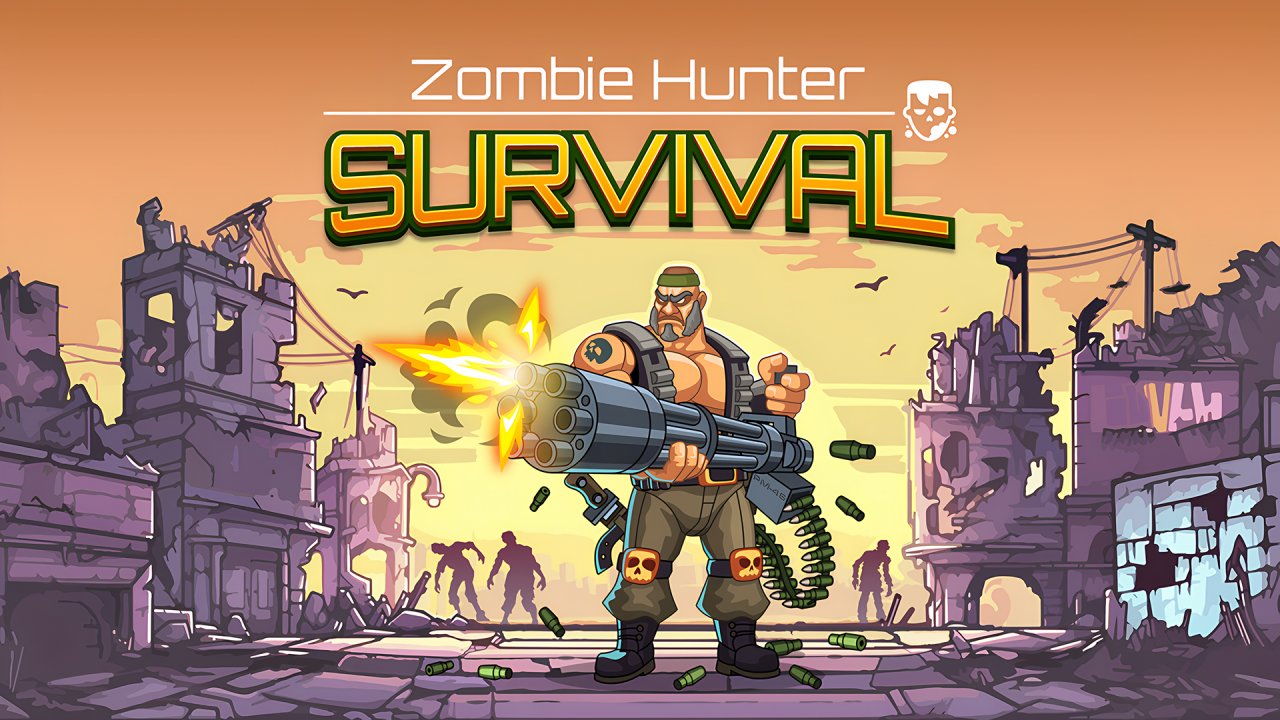 Zombie Hunter: Survival
  Froggy Hop
 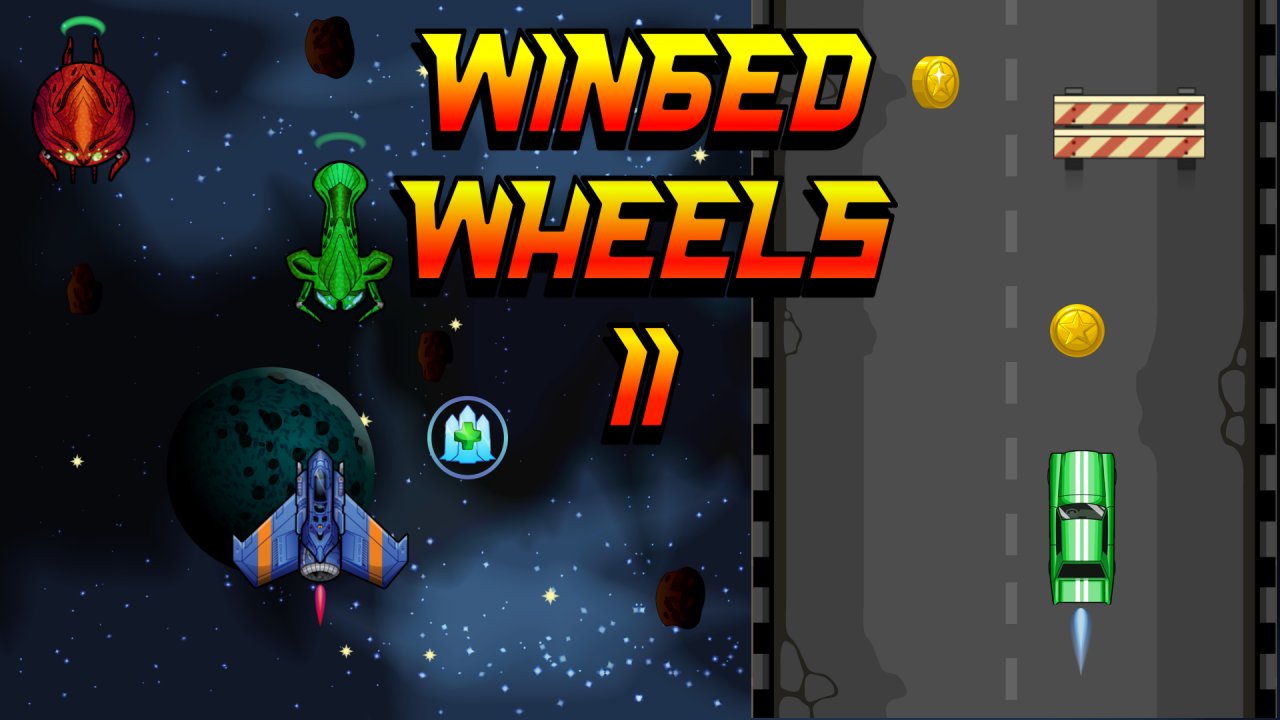 Winged Wheels 2
 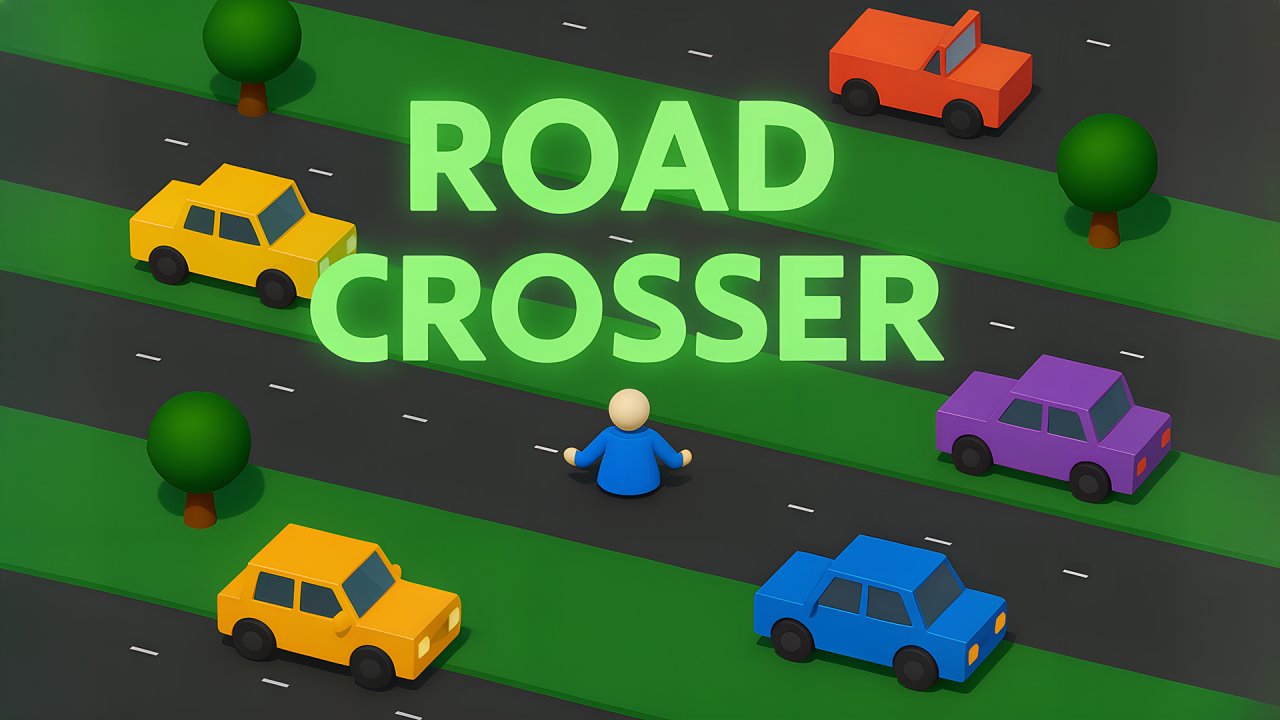 Road Crosser