 PLAYS-GAMESCOM
Sign in
PLAYS-GAMESCOM
Sign in
Objective: Explore the space station wreckage, collect power cells to open doors to new levels and unlock characters.
Mouse and Keyboard Controls:
Movement: WASD or arrow keys
Jump: Spacebar
Jetpack : Hold spacebar midair
Camera Rotation: Move mouse
Camera Zoom: Scroll wheel
Settings Menu: P key
Mobile Touch Controls:
Movement: Touch and drag the on-screen joystick on the left of the screen
Jump: Tap jump button on the right of the screen
Jetpack : Hold jump button on the right of the screen
Camera Rotation: Swipe anywhere on the screen
Camera Zoom: Pinch anywhere on the screen
Space Obby is a light-hearted platformer set among the floating wreckage of a destroyed space station. You join other astronauts and explore its farthest corners with the help of a trusty jetpack.
Battery cells are scattered across four large levels, and collecting them opens doors to new areas and unlocks characters. There are six characters to unlock in total. The jetpack lets you hover through zero gravity sections and reach distant platforms that would otherwise be impossible.
On a computer, move with WASD or the arrows, jump with Space and hold Space in mid-air to use the jetpack. The mouse rotates the camera, the scroll wheel zooms and P opens settings. The game also works on mobile devices in landscape mode. Use the jetpack in short bursts rather than holding it constantly, because controlled bursts give you much better precision when landing on small floating pieces.
Liked it? Try Obby: Mini-Games VS 1000, Obby: Climb and Slide or Kitten Never Dies next.
Sign in to join the conversation.
Space Obby is a light-hearted platformer set among the floating wreckage of a destroyed space station. You join other astronauts and explore its farthest corners with the help of a trusty jetpack.
Battery cells are scattered across four large levels, and collecting them opens doors to new areas and unlocks characters. There are six characters to unlock in total. The jetpack lets you hover through zero gravity sections and reach distant platforms that would otherwise be impossible.
On a computer, move with WASD or the arrows, jump with Space and hold Space in mid-air to use the jetpack. The mouse rotates the camera, the scroll wheel zooms and P opens settings. The game also works on mobile devices in landscape mode. Use the jetpack in short bursts rather than holding it constantly, because controlled bursts give you much better precision when landing on small floating pieces.
Liked it? Try Obby: Mini-Games VS 1000, Obby: Climb and Slide or Kitten Never Dies next.
Objective: Explore the space station wreckage, collect power cells to open doors to new levels and unlock characters.
Mouse and Keyboard Controls:
Movement: WASD or arrow keys
Jump: Spacebar
Jetpack : Hold spacebar midair
Camera Rotation: Move mouse
Camera Zoom: Scroll wheel
Settings Menu: P key
Mobile Touch Controls:
Movement: Touch and drag the on-screen joystick on the left of the screen
Jump: Tap jump button on the right of the screen
Jetpack : Hold jump button on the right of the screen
Camera Rotation: Swipe anywhere on the screen
Camera Zoom: Pinch anywhere on the screen
 Darts Pro
 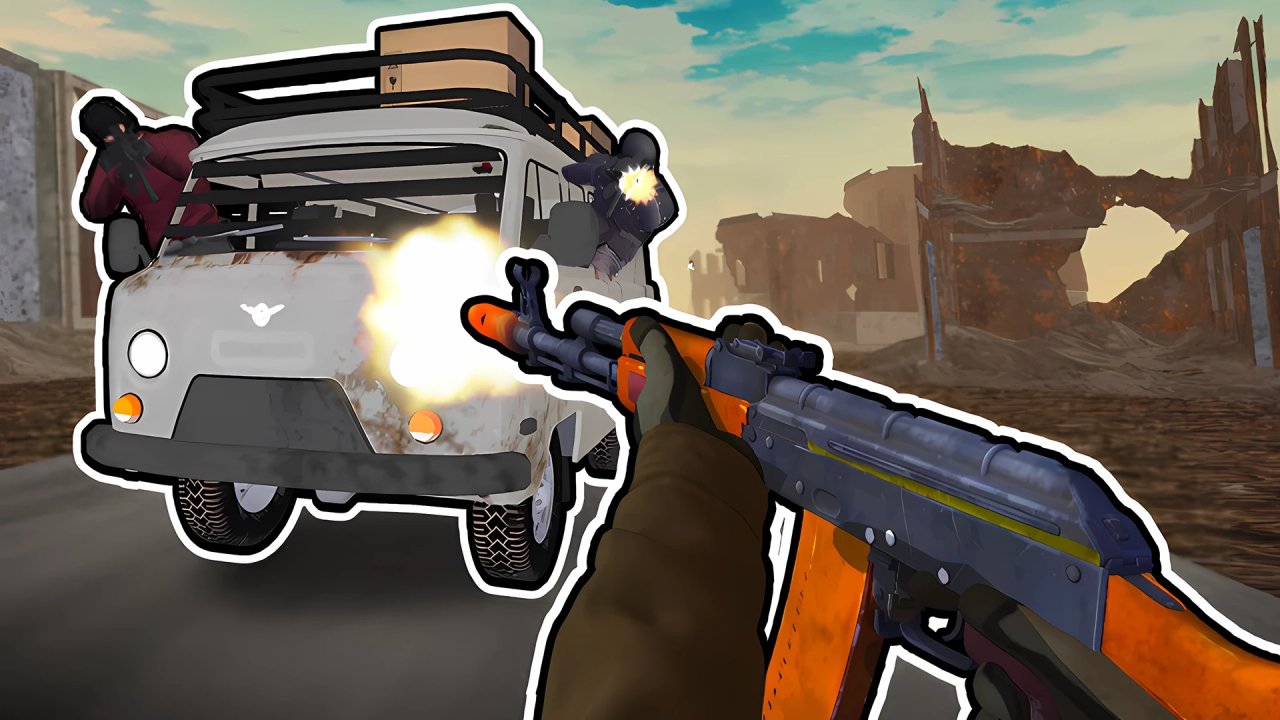 Road Chase: Shooter Realistic Guns
 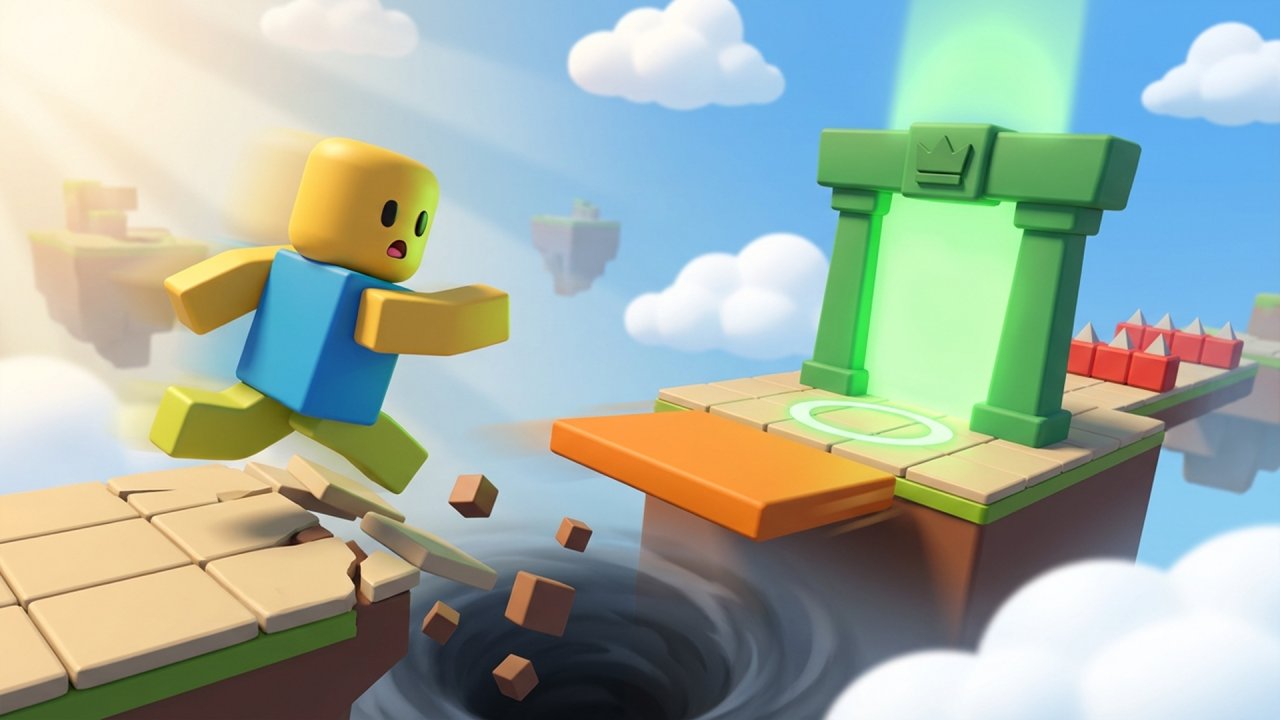 Cube Trap
 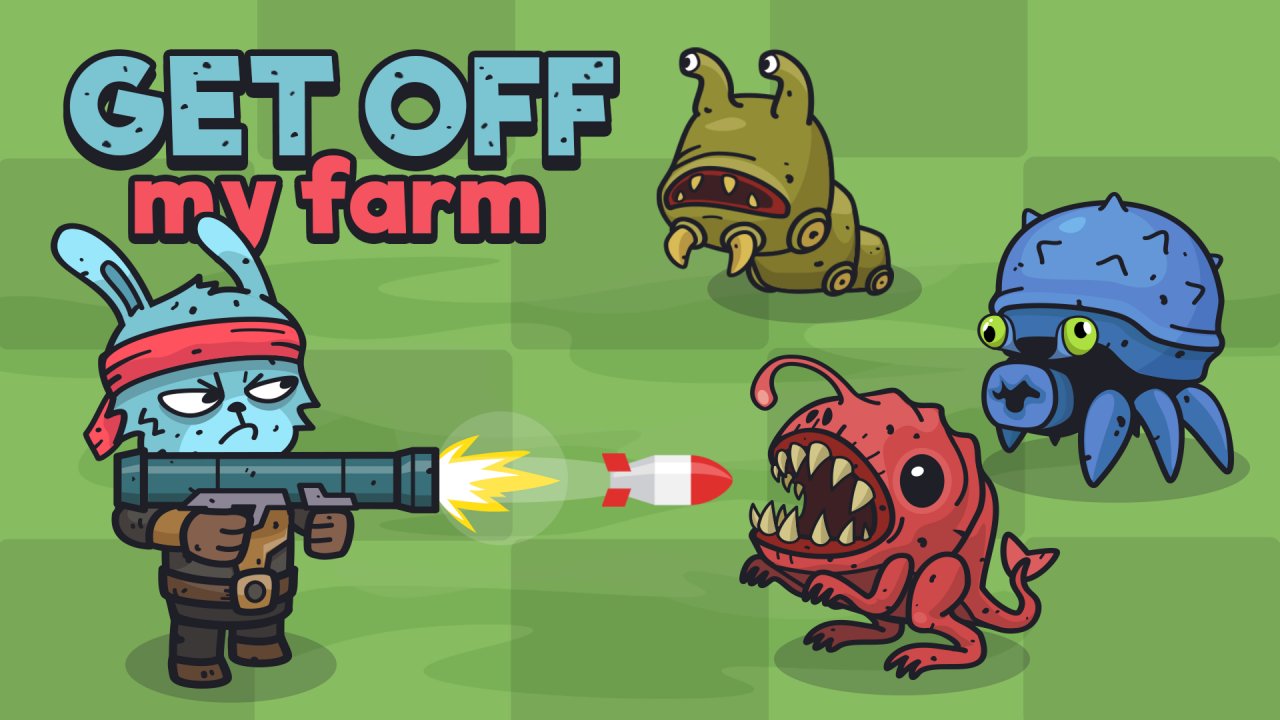 Get Off My Farm!
 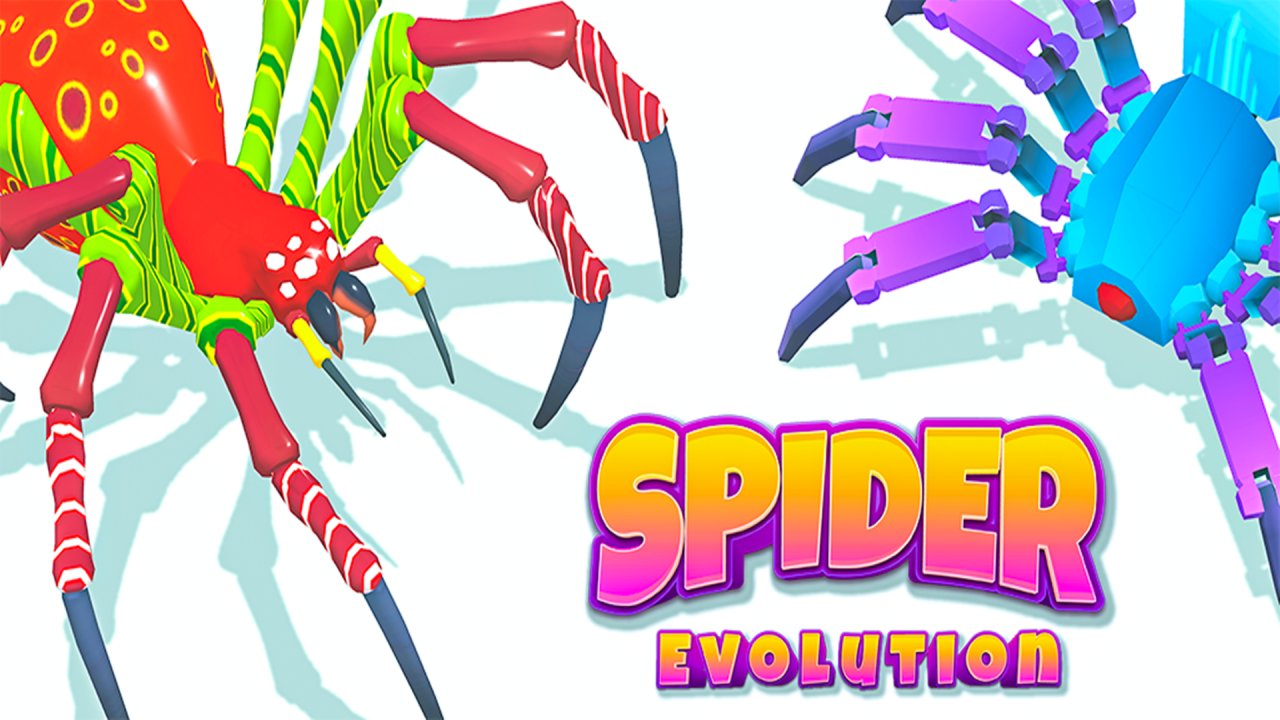 Spider Evolution
  Leap and Avoid 2