 PLAYS-GAMESCOM
Sign in
PLAYS-GAMESCOM
Sign in
PC Management:
Up arrow - Straight movement
Down arrow - Backward movement
Right Arrow - Move to the right
Left Arrow - Move to the left
Key "D" - Shooting from the right side.
Key "A" - Shooting from the left side.
Left Shift - Acceleration
Management for Mobile devices:
Up arrow button - Straight movement
The down arrow button is a backward movement.
Left arrow button - Move to the left
Right arrow button - Move to the right
A button with a burning shell on the left - Shooting from the left side
A button with a burning shell on the right - Shooting from the starboard side
Red-and-white arrow button - Acceleration
For accelerated swimming, you need food, it is spent while swimming in the sea.
To set the course, open the map and click on the compass icon near the desired location.
The leaderboard shows the amount of your gold.
The Pirate Sea. The Smuggler's Way puts you at the helm of a smuggler's ship. Your goal is to become the most famous smuggler on the seas by hunting treasure, completing tasks, sinking enemy ships and taking control of islands.
As you earn rewards, you upgrade your ship to handle tougher battles. The ocean is not only full of rivals: sea monsters roam the waters, so you need to watch your surroundings while sailing.
On a computer the arrow keys move the ship forward, backward, left and right. D fires from the right side, A fires from the left side and Left Shift gives a speed boost. On mobile, on-screen arrow and fire buttons do the same.
It suits players who like naval combat and open-ended progression.
Position your ship side-on to the enemy. Since cannons fire from the left and right, sailing alongside a target lets you land broadsides while staying out of its front.
If it clicks with you, Prásino, Echolocation Shooter and OrbaDrone - Robot Escape are close in spirit.
Sign in to join the conversation.
The Pirate Sea. The Smuggler's Way puts you at the helm of a smuggler's ship. Your goal is to become the most famous smuggler on the seas by hunting treasure, completing tasks, sinking enemy ships and taking control of islands.
As you earn rewards, you upgrade your ship to handle tougher battles. The ocean is not only full of rivals: sea monsters roam the waters, so you need to watch your surroundings while sailing.
On a computer the arrow keys move the ship forward, backward, left and right. D fires from the right side, A fires from the left side and Left Shift gives a speed boost. On mobile, on-screen arrow and fire buttons do the same.
It suits players who like naval combat and open-ended progression.
Position your ship side-on to the enemy. Since cannons fire from the left and right, sailing alongside a target lets you land broadsides while staying out of its front.
If it clicks with you, Prásino, Echolocation Shooter and OrbaDrone - Robot Escape are close in spirit.
PC Management:
Up arrow - Straight movement
Down arrow - Backward movement
Right Arrow - Move to the right
Left Arrow - Move to the left
Key "D" - Shooting from the right side.
Key "A" - Shooting from the left side.
Left Shift - Acceleration
Management for Mobile devices:
Up arrow button - Straight movement
The down arrow button is a backward movement.
Left arrow button - Move to the left
Right arrow button - Move to the right
A button with a burning shell on the left - Shooting from the left side
A button with a burning shell on the right - Shooting from the starboard side
Red-and-white arrow button - Acceleration
For accelerated swimming, you need food, it is spent while swimming in the sea.
To set the course, open the map and click on the compass icon near the desired location.
The leaderboard shows the amount of your gold.
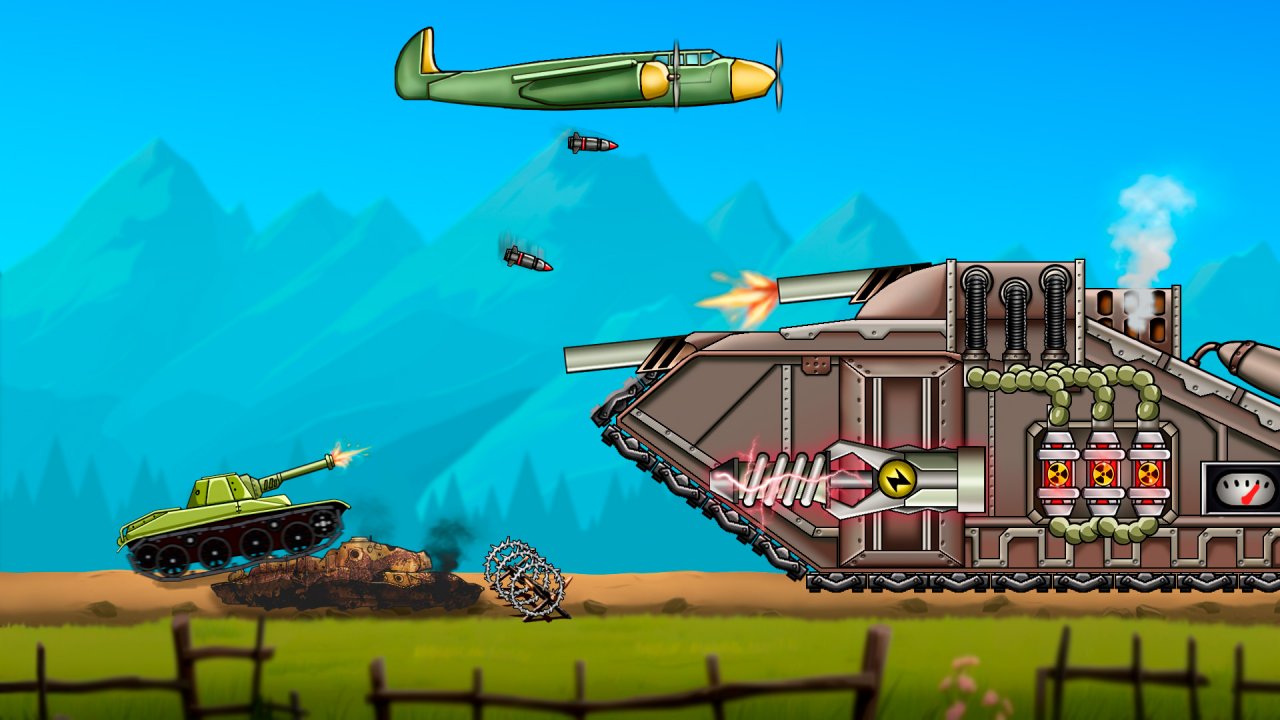 Tank Fury: Boss Battle 2D
 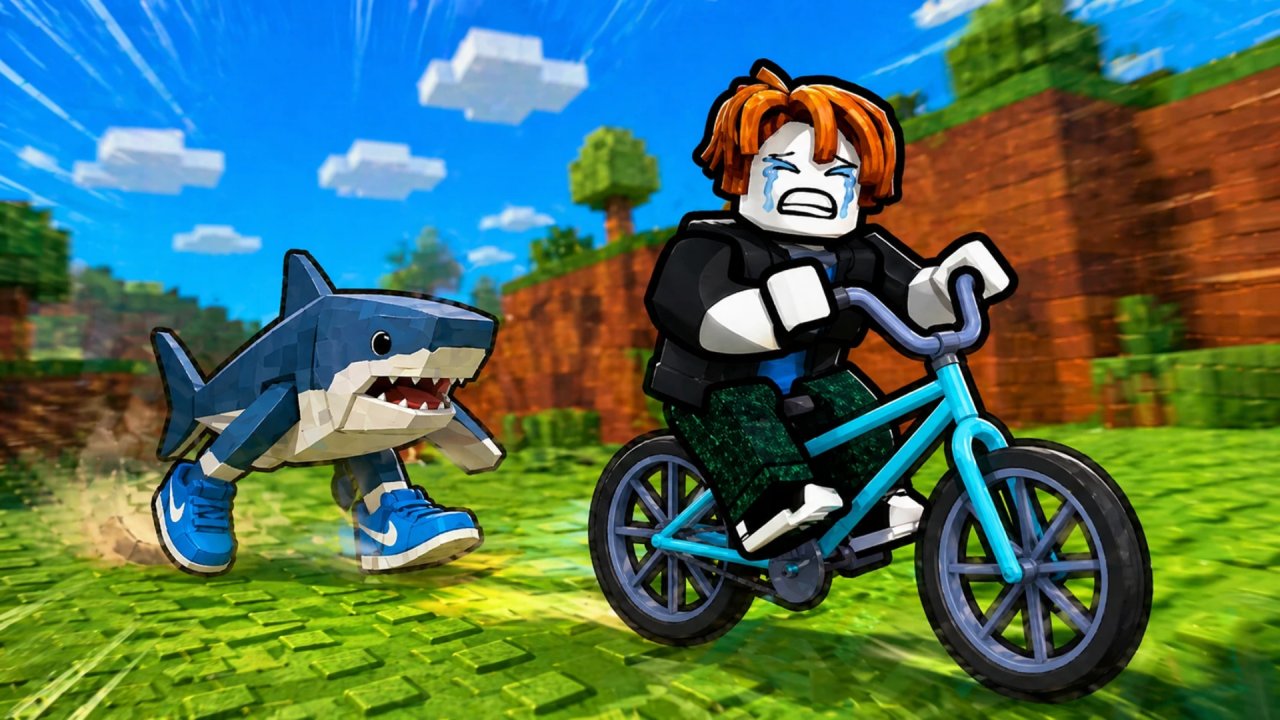 Ride a Bike for Brainrots
 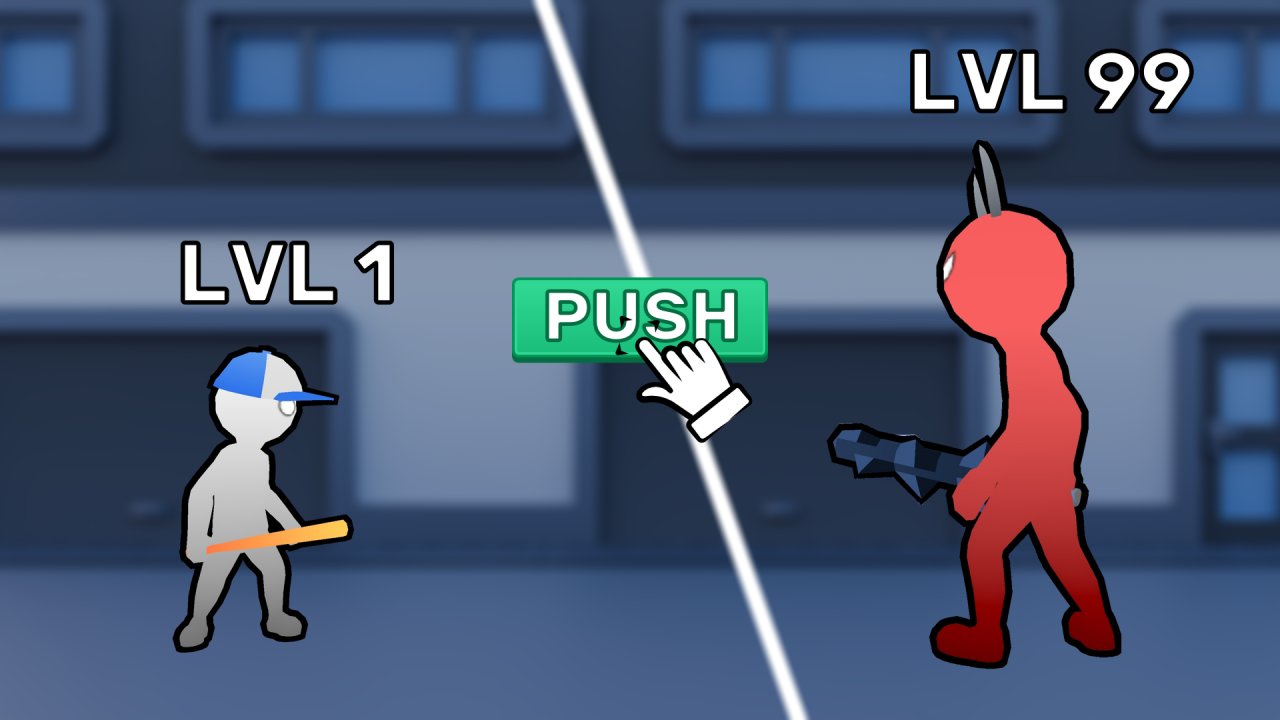 Boys - Battle for the District
 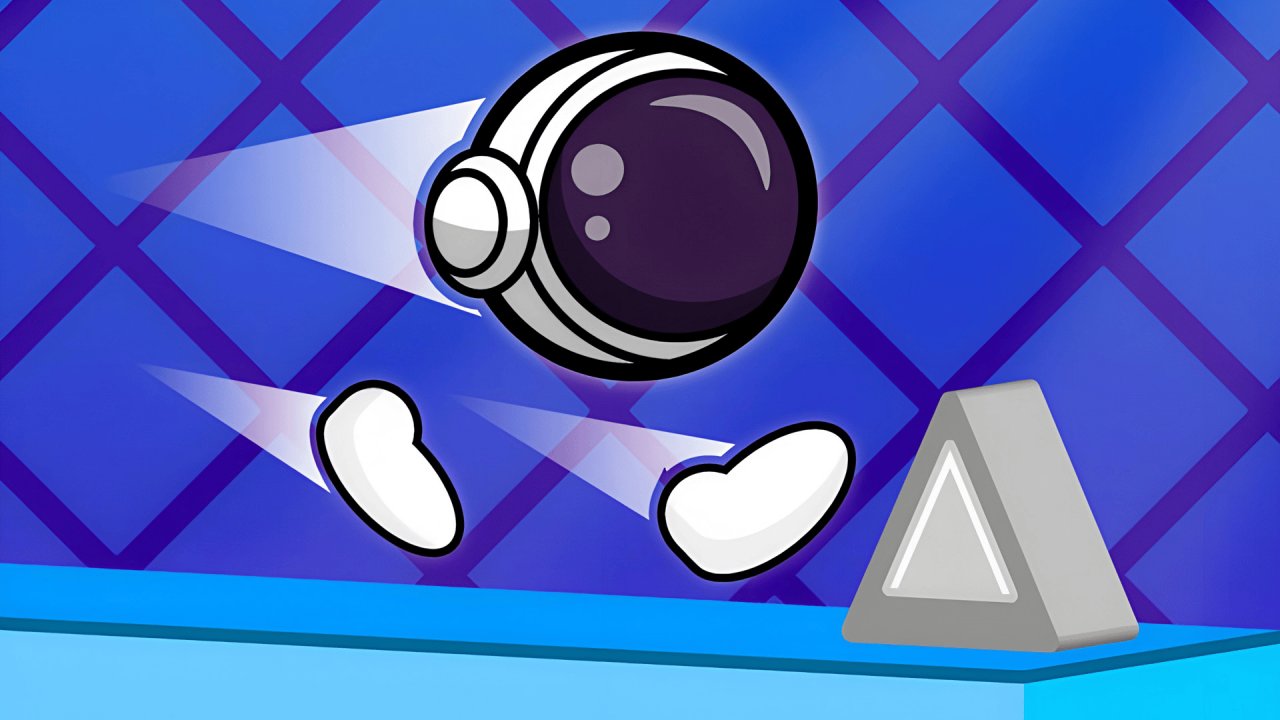 Gravity Speed Run
  Basket Random
  Stick Boy: Bazooka Ragdoll