 PLAYS-GAMESCOM
Sign in
PLAYS-GAMESCOM
Sign in
TAB - pause menu (or Escape)
WASD - moving.
Spacebar - handbrake.
Shift - nitro.
C - change camera.
R - reset car.
K - restore car.
N - switch car.
For mobile devices, use the game interface.
Destructive Car Crash Simulator is a 3D driving sandbox built around damage. Every car can be dented, broken and destroyed, with a realistic deformation system, and you can run crash tests or arrange police chases, in which a police car you hit starts hunting you. Several maps and vehicles are available, along with props such as cannons, catapults, presses and heavy trucks. Controls on a keyboard are WASD to drive, Space for the handbrake, Shift for nitro, C to change camera, R to reset the car, K to restore it, N to switch cars and Tab or Escape to pause; mobile uses the on-screen interface. It is displayed in landscape. Tip: use nitro for a long straight run toward an obstacle, since higher speed makes the deformation more dramatic.
Liked it? Try Car Smash Simulator: Crash & Tune, StreetRacer: Realistic Destruction or Driver Club: Highway Racing next.
Sign in to join the conversation.
Destructive Car Crash Simulator is a 3D driving sandbox built around damage. Every car can be dented, broken and destroyed, with a realistic deformation system, and you can run crash tests or arrange police chases, in which a police car you hit starts hunting you. Several maps and vehicles are available, along with props such as cannons, catapults, presses and heavy trucks. Controls on a keyboard are WASD to drive, Space for the handbrake, Shift for nitro, C to change camera, R to reset the car, K to restore it, N to switch cars and Tab or Escape to pause; mobile uses the on-screen interface. It is displayed in landscape. Tip: use nitro for a long straight run toward an obstacle, since higher speed makes the deformation more dramatic.
Liked it? Try Car Smash Simulator: Crash & Tune, StreetRacer: Realistic Destruction or Driver Club: Highway Racing next.
TAB - pause menu (or Escape)
WASD - moving.
Spacebar - handbrake.
Shift - nitro.
C - change camera.
R - reset car.
K - restore car.
N - switch car.
For mobile devices, use the game interface.
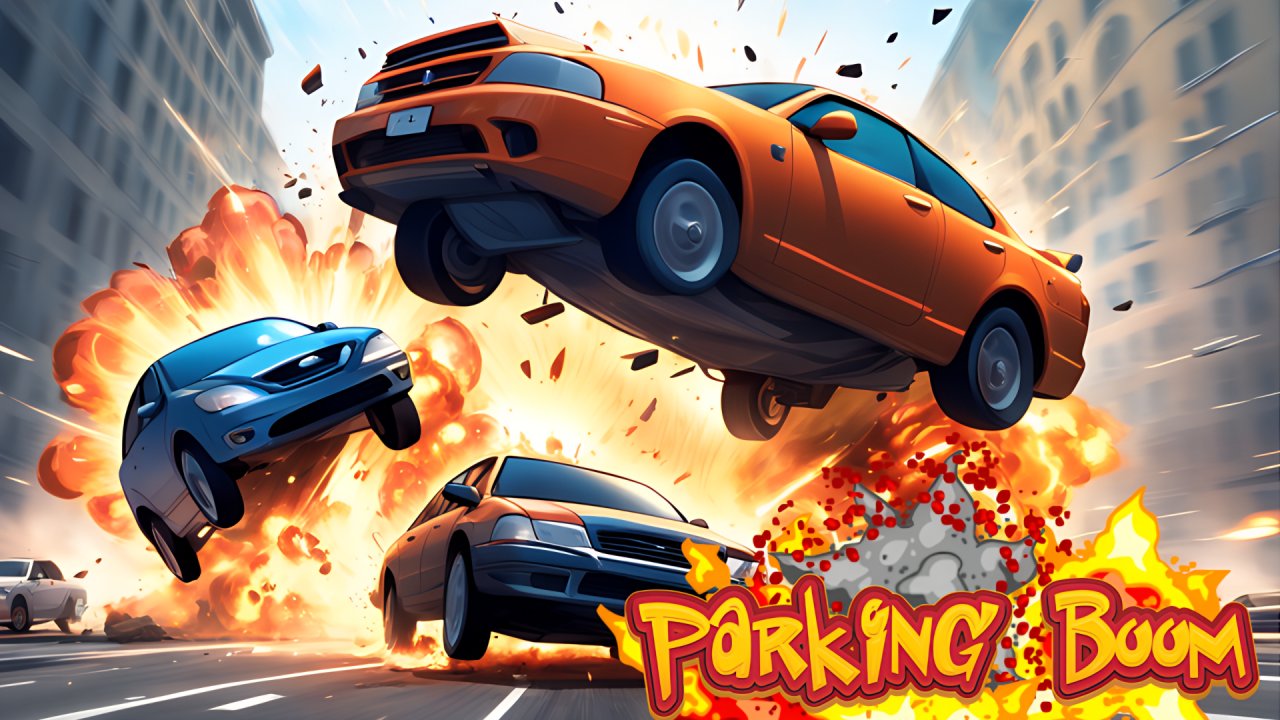 Parking Boom
 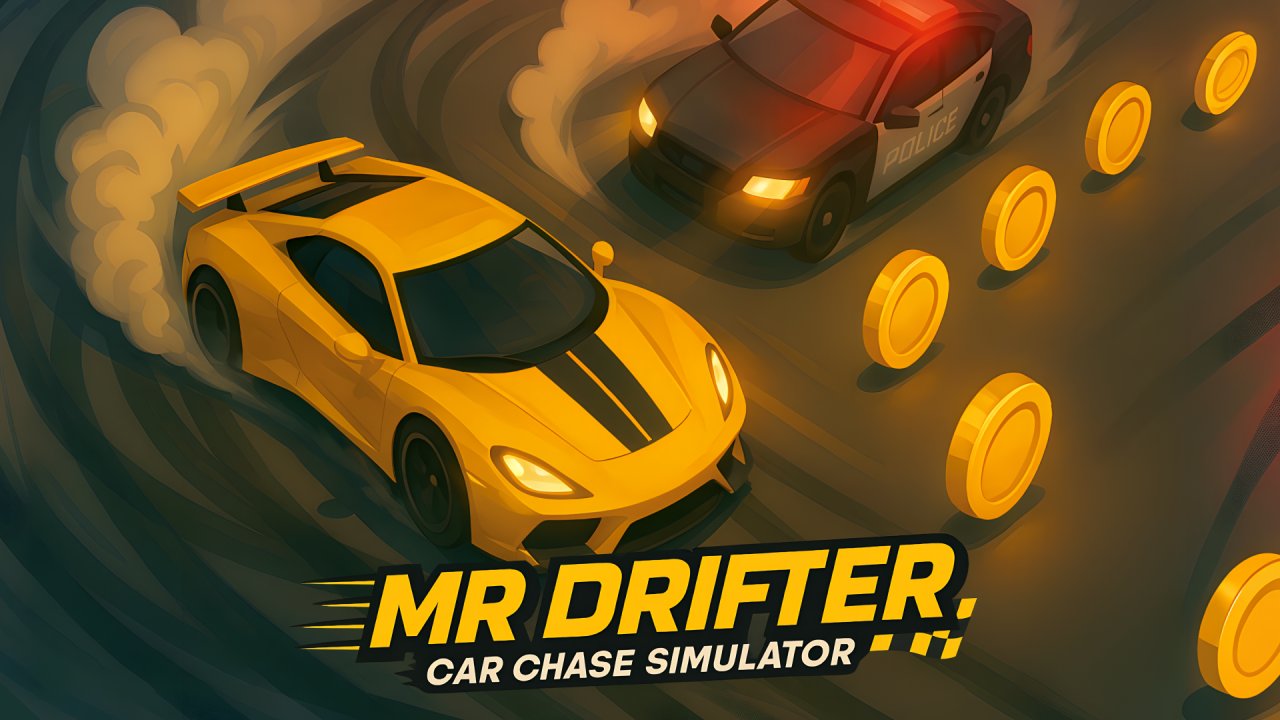 Mr. Drifter: Car Chase Simulator
 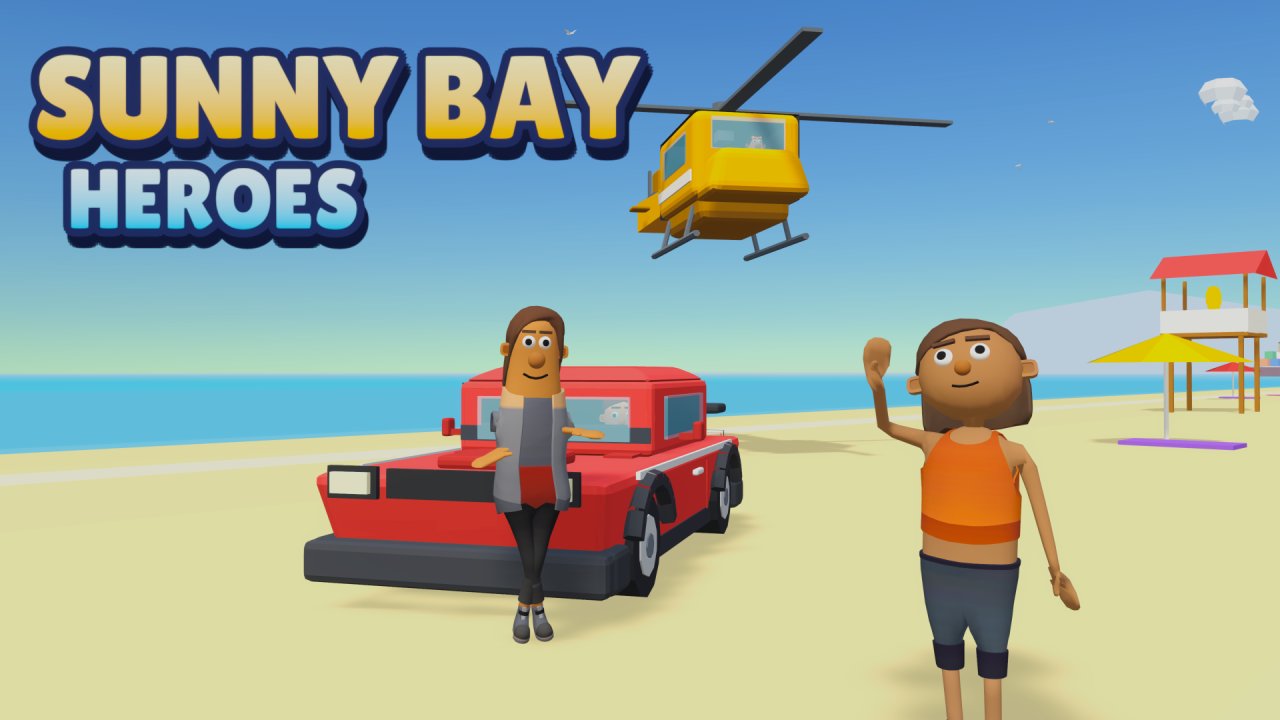 Sunny Bay Heroes
 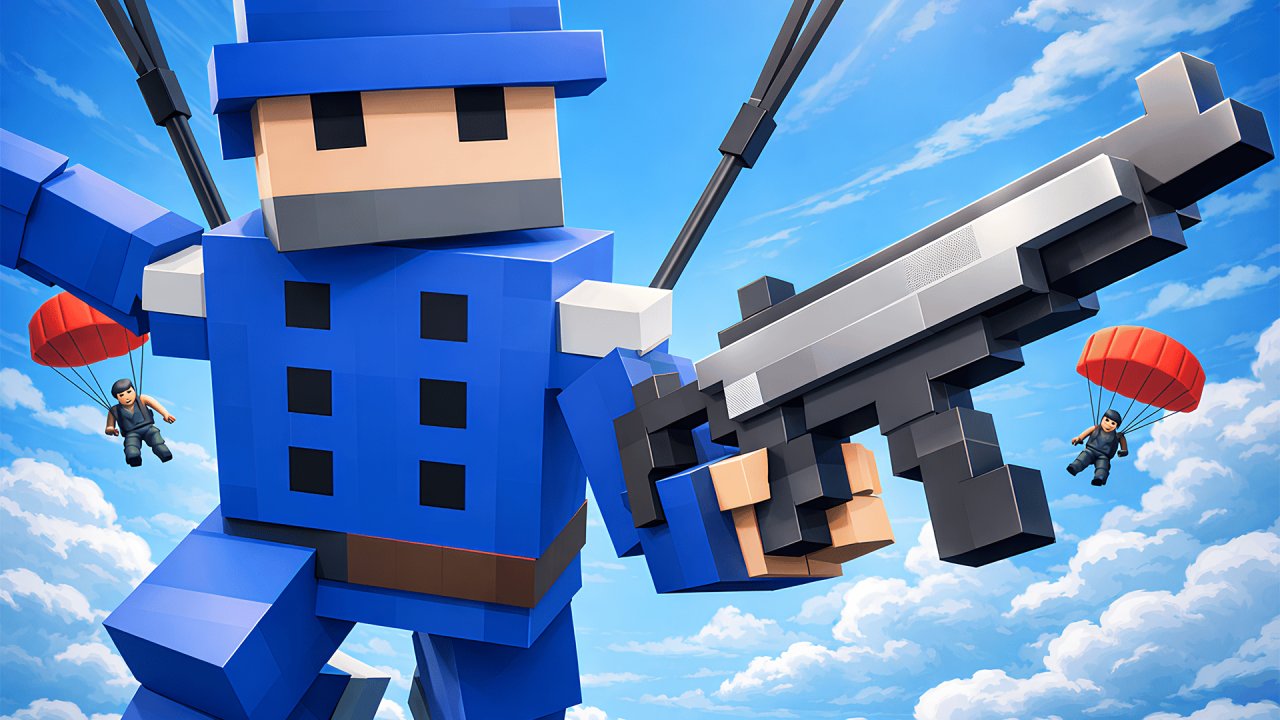 Red & Blue: Online. Build! Destroy! Fight!
  Sniper for Brainrots
  Cars
Cars