 PLAYS-GAMESCOM
Sign in
PLAYS-GAMESCOM
Sign in
1 Player Mode
WASD / arrow keys = move
L-Shift = NOS
R = reset car position
C = change camera view
2 Players Mode
Player 1
WASD = move
L-Shift = NOS
R = reset car position
C = change camera view
Player2
Arrow keys = move
N = NOS
L = reset car position
U = change camera view
GT Cars Mega Ramps is an exciting driving game with fully customizable super-sport cars. It offers heart-stopping mega ramps, giant colorful bosses and intense head-to-head races. You launch from towering ramps, perform daring stunts and outmaneuver enormous bosses in stylized, high-energy showdowns. In one-player mode, WASD or the arrows move the car, Left Shift fires the nitro, R resets the car and C changes the camera. In two-player mode, the first player uses WASD, Left Shift, R and C, while the second player uses the arrows, N for nitro, L to reset and U to change the camera. It is a desktop game shown in landscape. Tip: save the nitro for the ramp approach so that you jump farther, and use the reset key without hesitation when the car lands upside down.
Similar picks on Plays Games: Micro GT Racing, Driver Club: Highway Racing and Shape Transform Race.
Sign in to join the conversation.
GT Cars Mega Ramps is an exciting driving game with fully customizable super-sport cars. It offers heart-stopping mega ramps, giant colorful bosses and intense head-to-head races. You launch from towering ramps, perform daring stunts and outmaneuver enormous bosses in stylized, high-energy showdowns. In one-player mode, WASD or the arrows move the car, Left Shift fires the nitro, R resets the car and C changes the camera. In two-player mode, the first player uses WASD, Left Shift, R and C, while the second player uses the arrows, N for nitro, L to reset and U to change the camera. It is a desktop game shown in landscape. Tip: save the nitro for the ramp approach so that you jump farther, and use the reset key without hesitation when the car lands upside down.
Similar picks on Plays Games: Micro GT Racing, Driver Club: Highway Racing and Shape Transform Race.
1 Player Mode
WASD / arrow keys = move
L-Shift = NOS
R = reset car position
C = change camera view
2 Players Mode
Player 1
WASD = move
L-Shift = NOS
R = reset car position
C = change camera view
Player2
Arrow keys = move
N = NOS
L = reset car position
U = change camera view
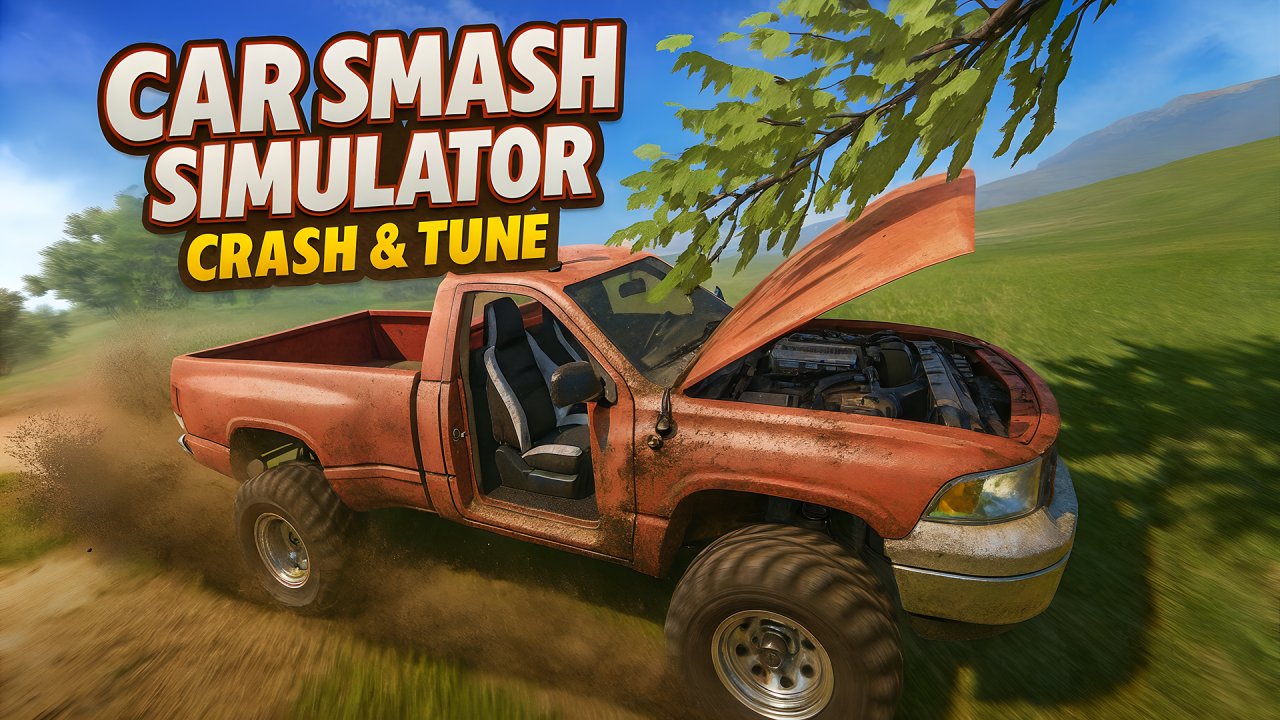 Car Smash Simulator: Crash & Tune
 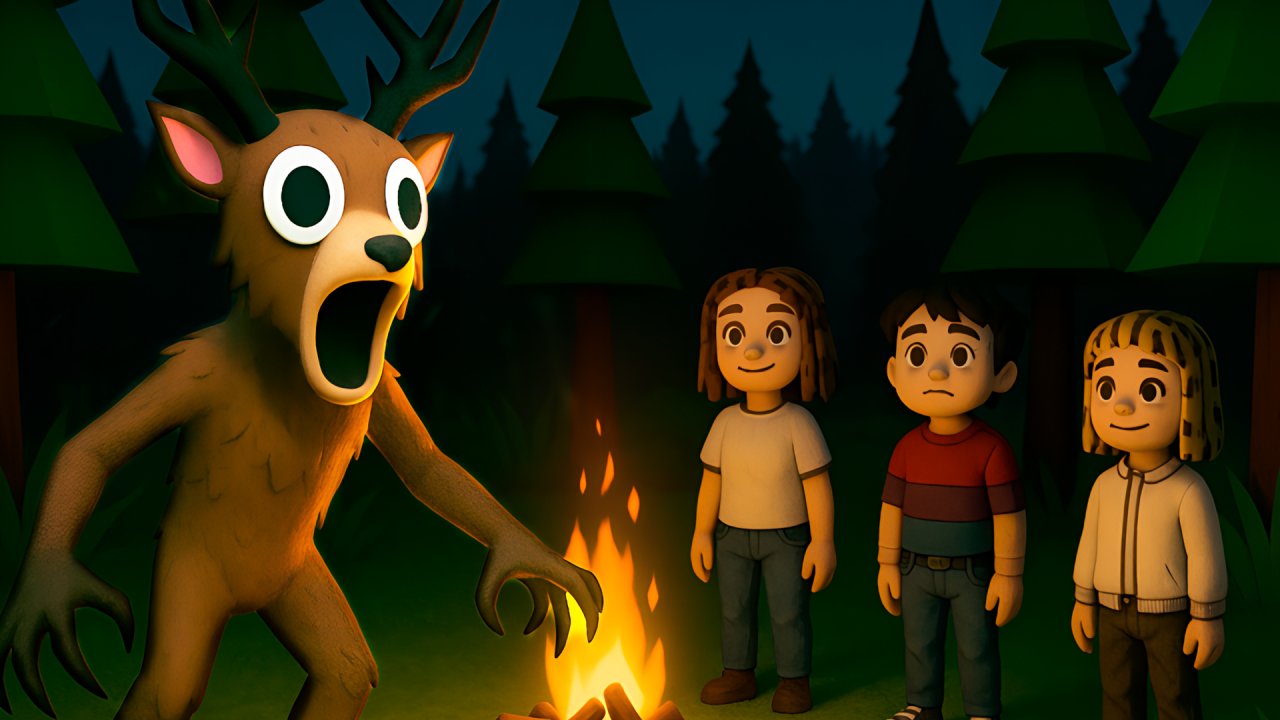 99 Nights in the Forest. Horror Multiplayer
 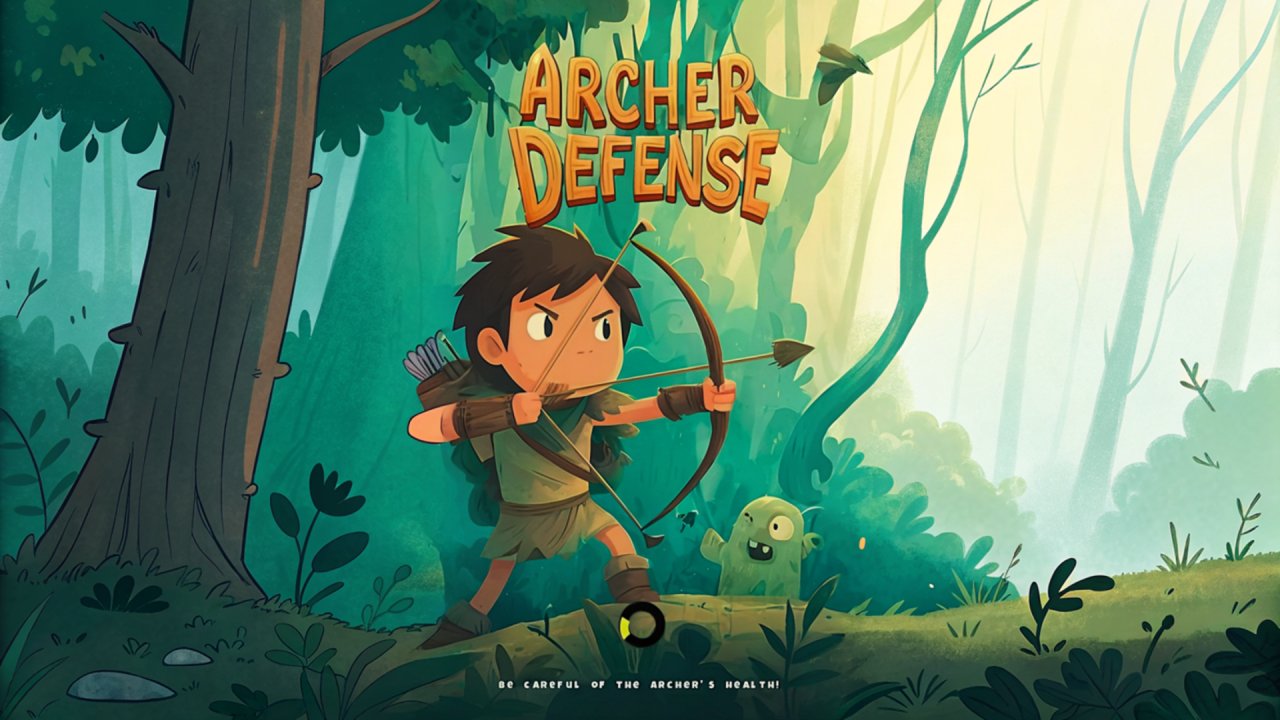 Archer Defense
 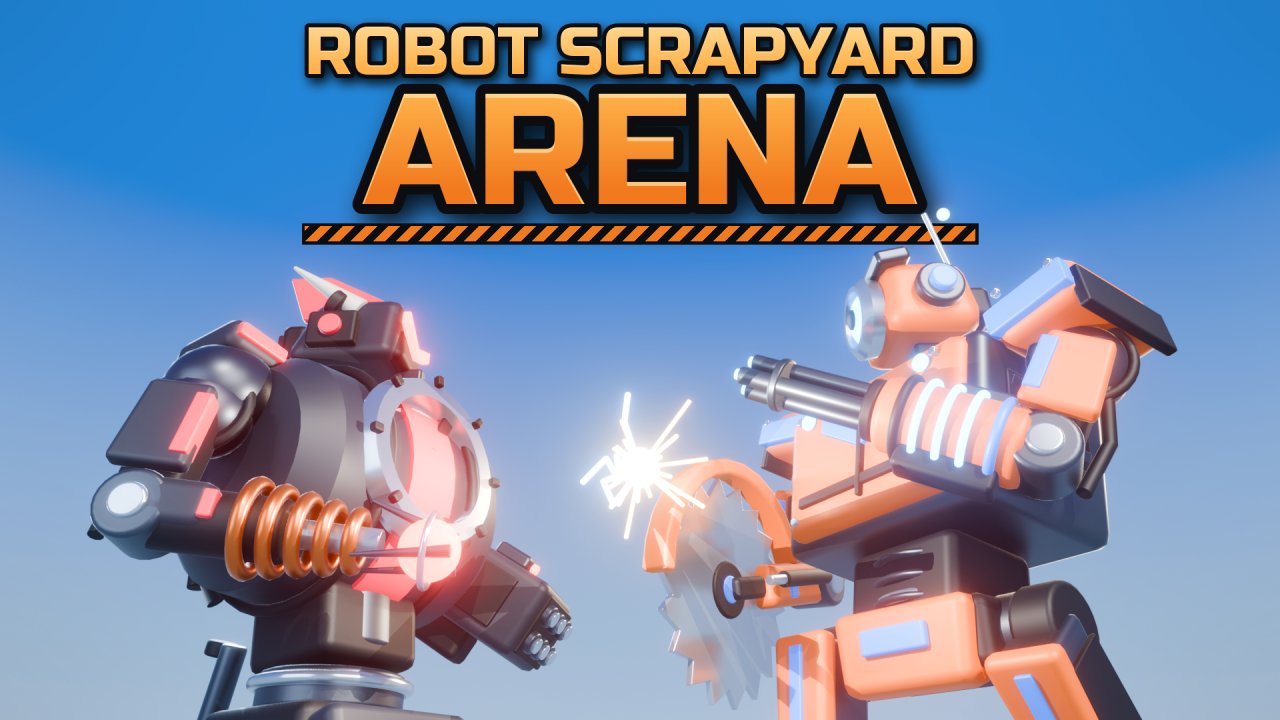 Robot Scrapyard Arena
  Tap tap Swing
  Daddy Escape