 PLAYS-GAMESCOM
Sign in
A keyboard and mouse are required to play on PC:
WASD — Move
E — Read notes
Tab — Return to the main menu
For mobile devices:
On-screen joystick — Move
“Main Menu” button — Return to the main menu
“Read Note” button — Read notes
The Secret of the Toy Factory is a first-person horror game set in an abandoned factory. You explore dark rooms, solve puzzles, search for useful items and investigate carefully, since threats can show up without warning. Expect pursuits, sudden scares and run-ins with the creatures Plush and BOTY, which means you have to hide, run and use your surroundings to survive. Strange notes and traces of the past slowly reveal what happened and why the toys came to life. On a computer, WASD moves, E reads notes and Tab returns to the main menu; on mobile, a joystick moves you and buttons read notes. The game is displayed in landscape. Tip: read every note, and hide when you hear something approach.
Similar picks on Plays Games: Locked in Grandma’s Basement 2: Revenge - Horror Escape, Abandoned Mansion and SCP-173: Foundation Escape.
Sign in to join the conversation.
The Secret of the Toy Factory is a first-person horror game set in an abandoned factory. You explore dark rooms, solve puzzles, search for useful items and investigate carefully, since threats can show up without warning. Expect pursuits, sudden scares and run-ins with the creatures Plush and BOTY, which means you have to hide, run and use your surroundings to survive. Strange notes and traces of the past slowly reveal what happened and why the toys came to life. On a computer, WASD moves, E reads notes and Tab returns to the main menu; on mobile, a joystick moves you and buttons read notes. The game is displayed in landscape. Tip: read every note, and hide when you hear something approach.
Similar picks on Plays Games: Locked in Grandma’s Basement 2: Revenge - Horror Escape, Abandoned Mansion and SCP-173: Foundation Escape.
A keyboard and mouse are required to play on PC:
WASD — Move
E — Read notes
Tab — Return to the main menu
For mobile devices:
On-screen joystick — Move
“Main Menu” button — Return to the main menu
“Read Note” button — Read notes
 Stick Doors and Island
 The Warlock's Prisoner
 Sorcerers Refuge
 Escape from the Portal
 Escape Strange Girl’s House 2
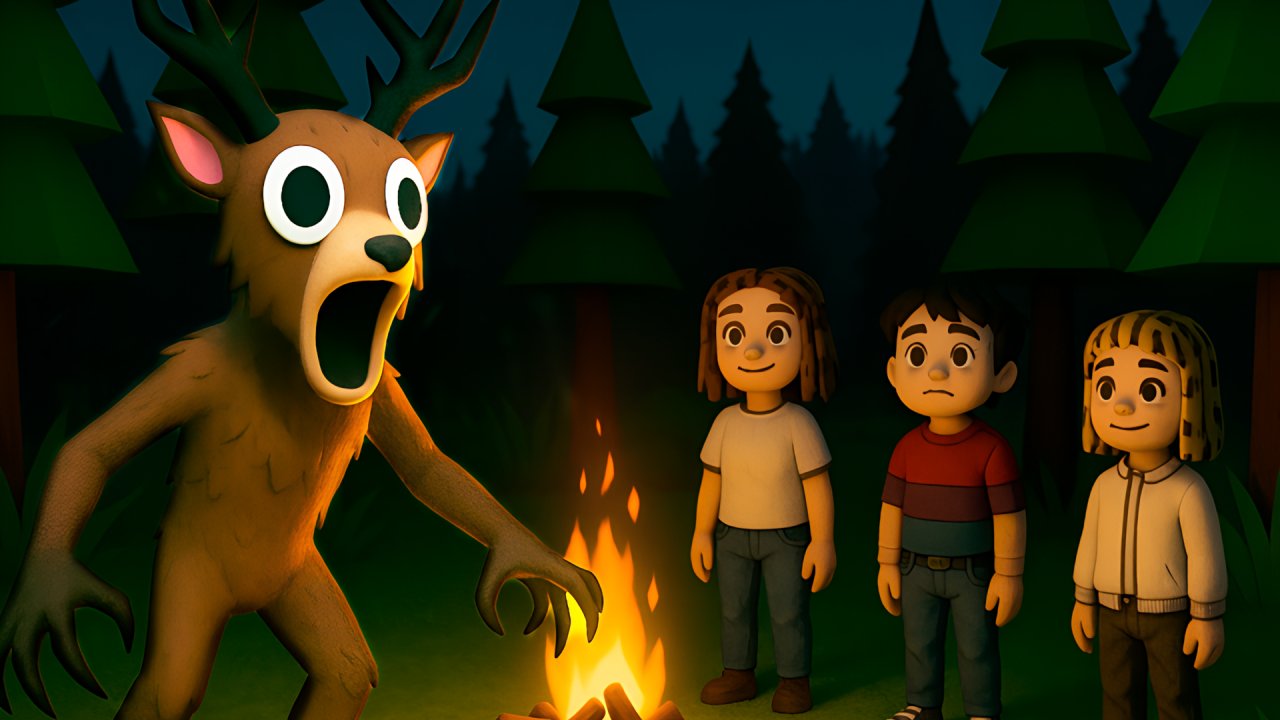 99 Nights in the Forest. Horror Multiplayer
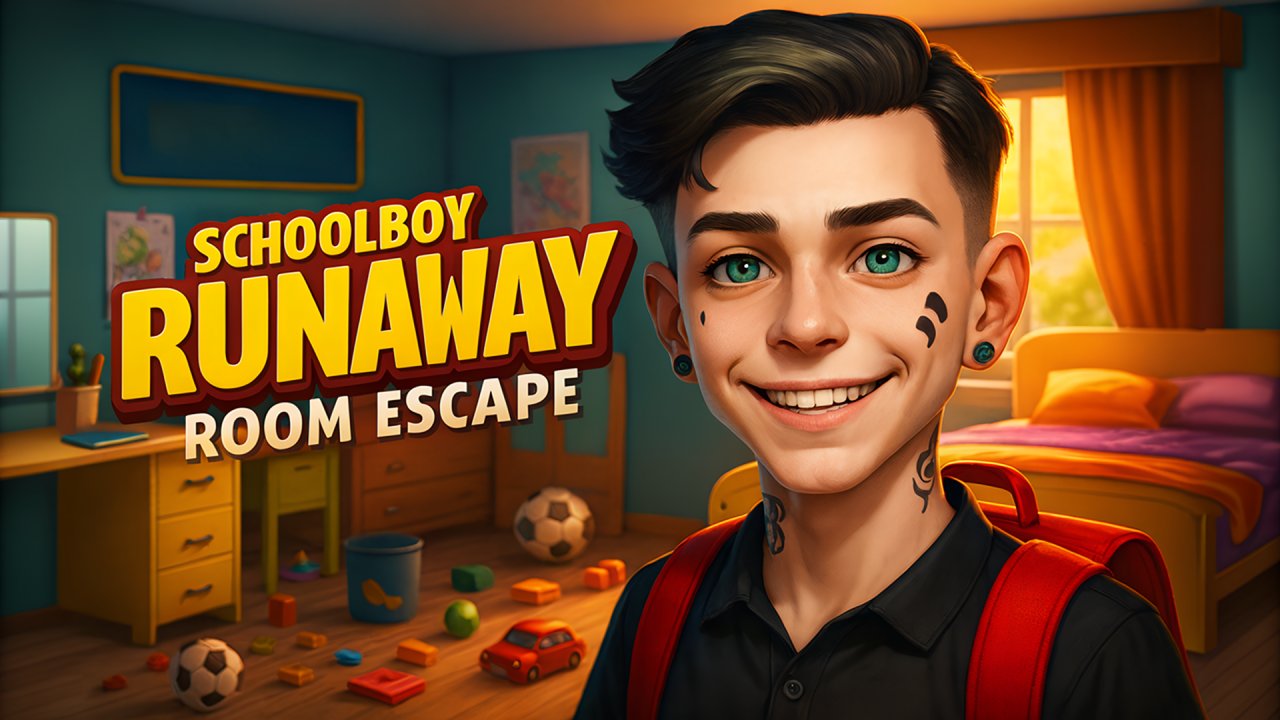 Schoolboy Runaway: room escape
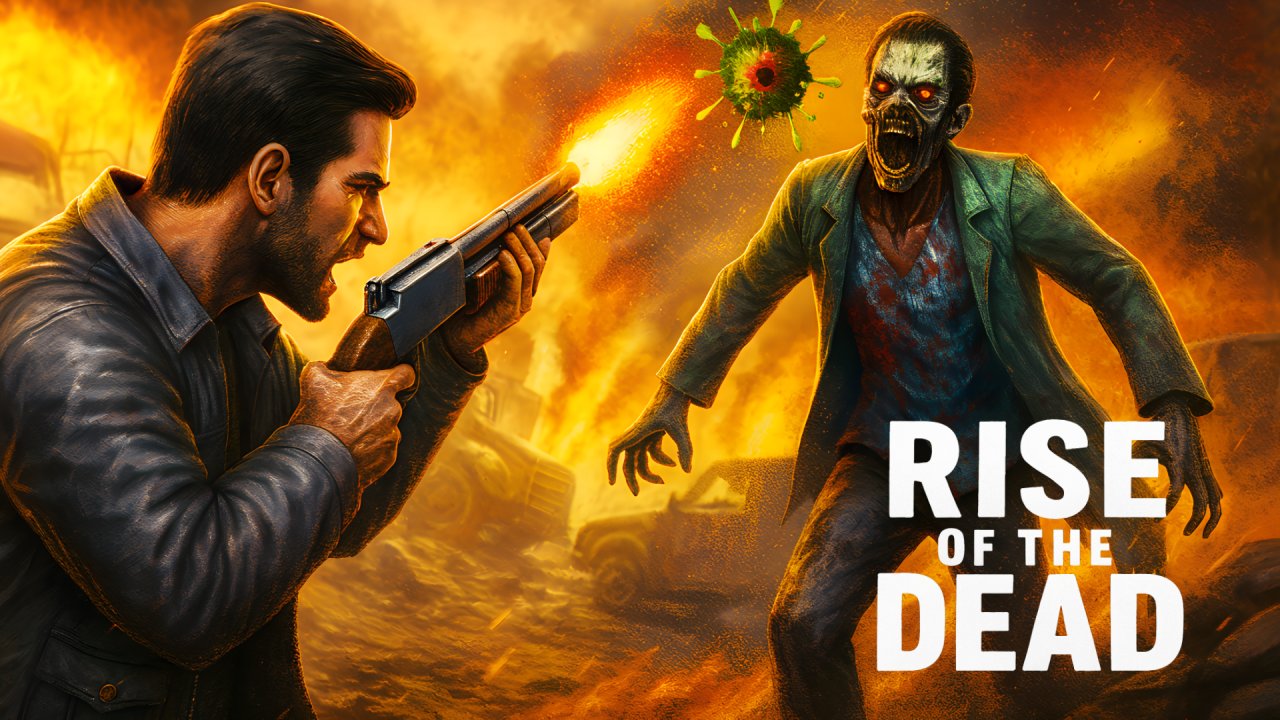 Rise of the Dead
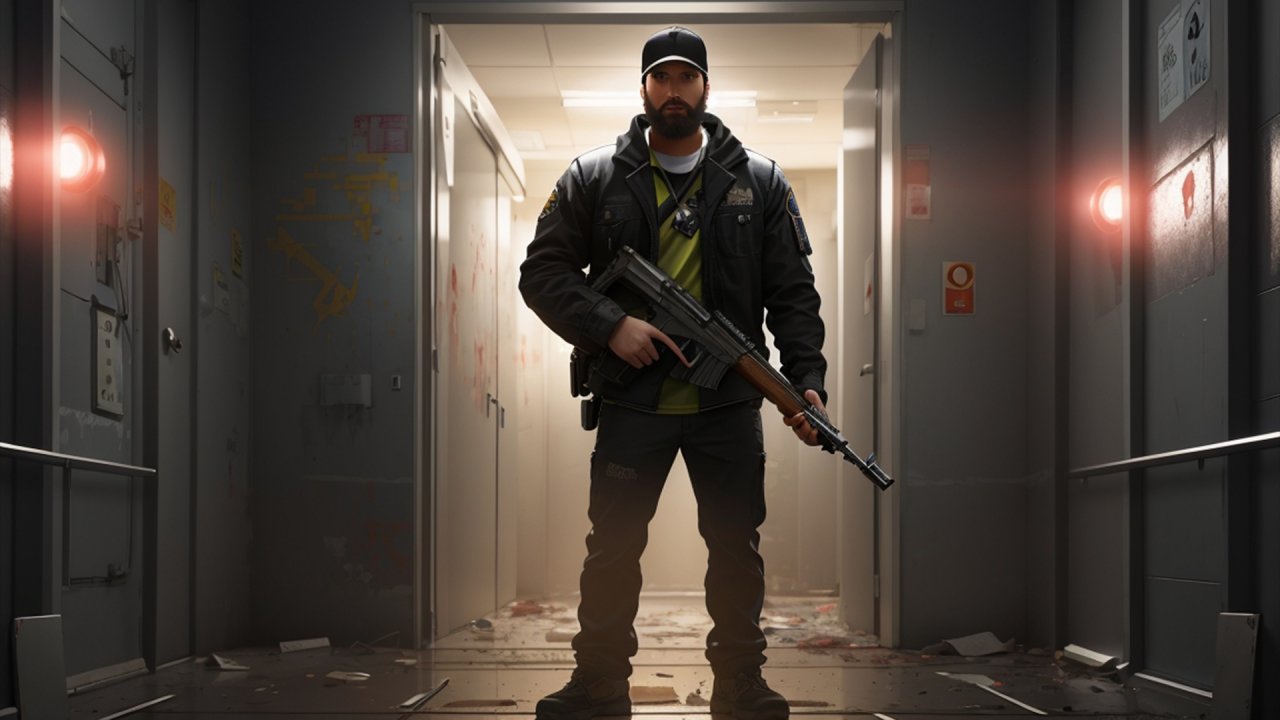 Lift Defender Zombie Carnage
 Fruitsland: Escape from the Amusement Park
 The Road Home: Granny Escape
 Imposter 3D online horror
 99 Nights In The Forest
 SCP-173: Foundation Escape
 Scary Rooms: Idle Horror