 PLAYS-GAMESCOM
Sign in
On a computer: WASD or the arrow keys to walk, Shift to run, Space to jump, C to crouch. The mouse looks around. Hold the left button to mine a block or pull furniture apart — on a creature it is a blow. The right button places a block, eats, drinks, or opens a workbench or furnace. Keys 1-9 and the mouse wheel pick an item from the belt. E is inventory and crafting, J is the journal, Esc is pause.
On a phone: the stick appears on the left wherever you touch the screen; hold it against the edge and you break into a run. Drag a finger across the world to look around. Hold a finger on a block and mining starts, and you can keep sliding without lifting. A short tap places, uses or hits. Round jump and crouch pads sit on the right; a weapon pad appears when you are holding one. The bag at the end of the belt opens inventory and crafting, the journal is in the top corner.
Backrooms Craft is a survival and crafting game with a horror mood. You have gone through the wrong door and now you are in endless rooms with damp carpet, humming lights and yellow wallpaper, with no way out. The only things you have are a workbench, a furnace and whatever was left by the last expedition. You break furniture into sticks, make a torch and boards, then craft stone tools, later steel ones, each one opening up materials the previous tool could not touch. On a computer you walk with WASD or the arrow keys, run with Shift, jump with Space, crouch with C and look with the mouse, holding the left button to mine and using the right button to place blocks or interact. It runs in landscape. Tip: craft a torch before you explore.
If it clicks with you, Island Expander, Skyblock 3D: Survival and Survival Sandbox for 99 Nights are close in spirit.
Sign in to join the conversation.
Backrooms Craft is a survival and crafting game with a horror mood. You have gone through the wrong door and now you are in endless rooms with damp carpet, humming lights and yellow wallpaper, with no way out. The only things you have are a workbench, a furnace and whatever was left by the last expedition. You break furniture into sticks, make a torch and boards, then craft stone tools, later steel ones, each one opening up materials the previous tool could not touch. On a computer you walk with WASD or the arrow keys, run with Shift, jump with Space, crouch with C and look with the mouse, holding the left button to mine and using the right button to place blocks or interact. It runs in landscape. Tip: craft a torch before you explore.
If it clicks with you, Island Expander, Skyblock 3D: Survival and Survival Sandbox for 99 Nights are close in spirit.
On a computer: WASD or the arrow keys to walk, Shift to run, Space to jump, C to crouch. The mouse looks around. Hold the left button to mine a block or pull furniture apart — on a creature it is a blow. The right button places a block, eats, drinks, or opens a workbench or furnace. Keys 1-9 and the mouse wheel pick an item from the belt. E is inventory and crafting, J is the journal, Esc is pause.
On a phone: the stick appears on the left wherever you touch the screen; hold it against the edge and you break into a run. Drag a finger across the world to look around. Hold a finger on a block and mining starts, and you can keep sliding without lifting. A short tap places, uses or hits. Round jump and crouch pads sit on the right; a weapon pad appears when you are holding one. The bag at the end of the belt opens inventory and crafting, the journal is in the top corner.
 Obby Dont Splash He Knows
 Backrooms: Exit Protocol 0
 IT LURKS
 A Mother's Grief
 The Secret of the Toy Factory
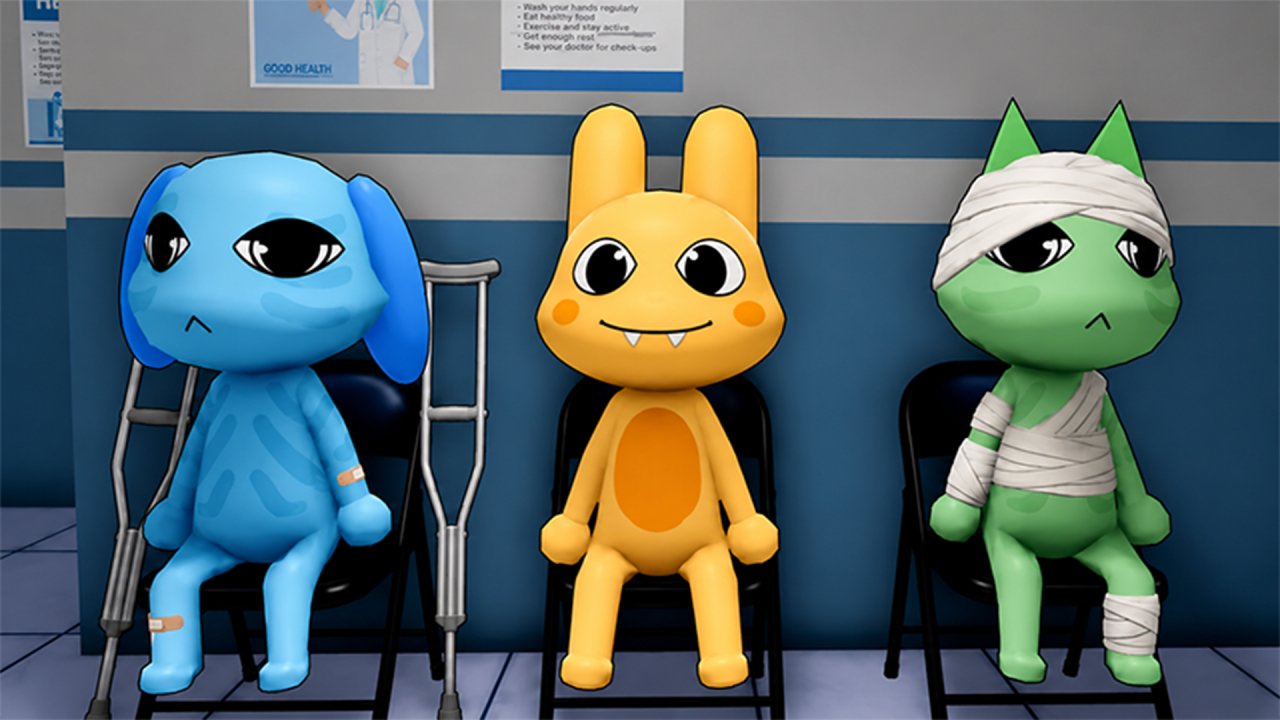 Animal Clinic (Anomaly)
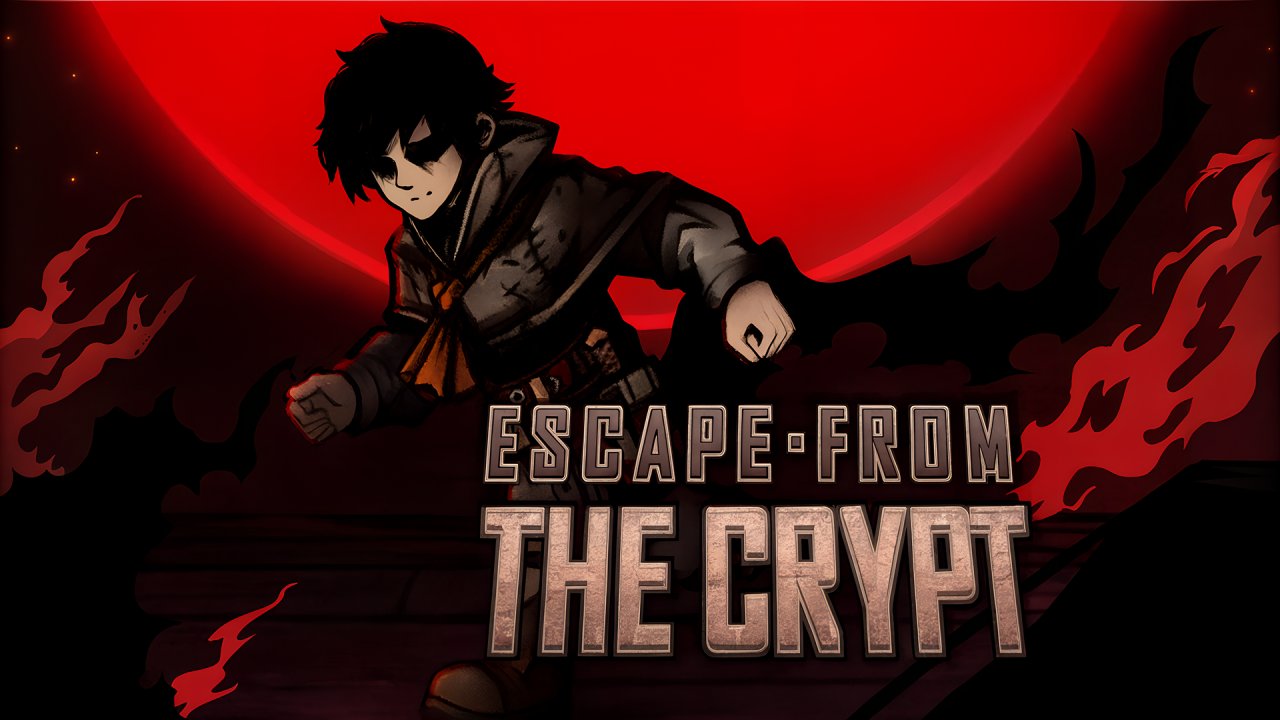 Escape From The Crypt
 Creepy playtime
 Patagonians
 Graveyard Wars - Two player
 Monster Slayer: Merge & Survive
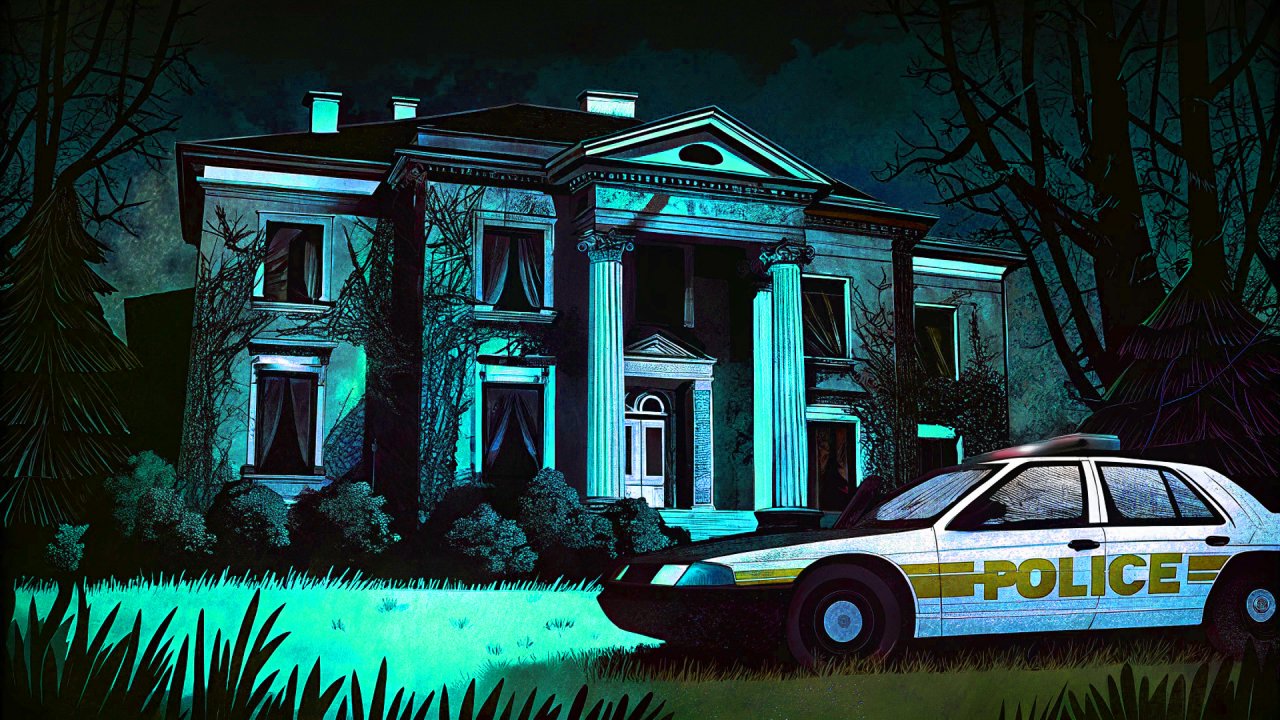 Abandoned Mansion
 Five Nights at Christmas
 A Long Way Home
 Stalker 2033: The Path of the Survivor
 The Depth of the Limbo
 Room 45
 Same Room Same Day
 LifeCode
 Rift of Hell - Demons War
 Squid Game Tower Defense
 Locked in Grandma’s Basement 2: Revenge - Horror Escape
 Check Wednesday Phone!
 LAST NIGHT!