 PLAYS-GAMESCOM
Sign in
PLAYS-GAMESCOM
Sign in
🖥 PC controls
• WASD — move
• Hold RMB — look around
• Space — jump
• E — interact (or press the on-screen prompt)
• 1–9 — select inventory item
• LMB — use item / weapon; during an anomaly attack, press LMB to break free
📡 Security cameras (while viewing)
• Q — previous camera
• E — next camera
• Space or Esc — exit cameras
📱 Phone controls
• Left joystick — move
• Swipe on the right — look around
• Jump button — jump
• Press the on-screen interact button
• In cameras — use on-screen previous / next / exit buttons
📋 Clinic workflow
Talk to the patient at the desk
Stamp the forms
Take a photo
Use the registration computer
Print the badge, take it, and place it
Escort the patient to a room
Run tests, treat them, and watch for anything strange
👁 Tip: anomalies can look almost normal. Look twice, protect your sanity, and finish the shift quota!
🏥 Welcome to Anomaly Animal Clinic — a vet clinic where no shift feels normal.
🐾 Check in patients, stamp forms, take photos, and treat them carefully.
👁 Stay sharp: anomalies hide among cute animals.
🧠 Protect your sanity, finish shifts, and keep the hospital from falling apart.
😱 Horror, humor, and tense vibes — prove you’re the doctor who notices everything!
Sign in to join the conversation.
🏥 Welcome to Anomaly Animal Clinic — a vet clinic where no shift feels normal.
🐾 Check in patients, stamp forms, take photos, and treat them carefully.
👁 Stay sharp: anomalies hide among cute animals.
🧠 Protect your sanity, finish shifts, and keep the hospital from falling apart.
😱 Horror, humor, and tense vibes — prove you’re the doctor who notices everything!
🖥 PC controls
• WASD — move
• Hold RMB — look around
• Space — jump
• E — interact (or press the on-screen prompt)
• 1–9 — select inventory item
• LMB — use item / weapon; during an anomaly attack, press LMB to break free
📡 Security cameras (while viewing)
• Q — previous camera
• E — next camera
• Space or Esc — exit cameras
📱 Phone controls
• Left joystick — move
• Swipe on the right — look around
• Jump button — jump
• Press the on-screen interact button
• In cameras — use on-screen previous / next / exit buttons
📋 Clinic workflow
Talk to the patient at the desk
Stamp the forms
Take a photo
Use the registration computer
Print the badge, take it, and place it
Escort the patient to a room
Run tests, treat them, and watch for anything strange
👁 Tip: anomalies can look almost normal. Look twice, protect your sanity, and finish the shift quota!
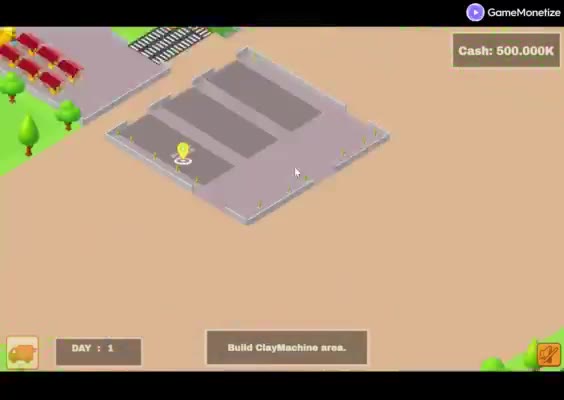 Clay Craft Tycoon
  Divide Puzzle Arcade
  Project VOID
  BS Simulator
  Obby: Mine Crasher
  Blockadventure io