 PLAYS-GAMESCOM
Sign in
Sign in to join the conversation.
Explore free strategy games where planning, resource management and smart decisions shape the outcome. Discover challenges that reward careful thinking, timing and adapting to changing situations. Whether you enjoy tactical battles, defending objectives or managing systems, find strategy games that encourage you to think ahead.
Heroes Shop Battlers is a strategic HTML5 browser game where players collect, merge, and arrange weapons, armor, and potions to create powerful builds. Choose from ten heroes, each with unique personalities, passive abilities, and signature moves. Buy and upgrade gear by merging matching items to create stronger, rarer versions, ensuring every tile on the board is used effectively. Once your setup is complete, engage in a battle where strategy, not reflexes, determines the outcome.
Win matches to climb your rating and achieve victory streaks. Ten consecutive wins earn you the title of champion, while five losses end your current run. The game offers hundreds of weapon, armor, and amulet combinations, along with a daily lucky wheel filled with gems. New heroes and gems are earned through real wins, eliminating the need for grinding.
With simple rules and deep strategic depth, the game allows players to spend just a few minutes or hours pursuing the perfect build. Competitions are fair, and players face real opponents in a rating system designed to ensure balanced and competitive matches.
**How to Play Heroes Shop Battlers**
Heroes Shop Battlers is a strategic battle game where the goal is to build a powerful collection of items and use them to defeat enemies in a series of battles. Each game session, or "run," begins with you selecting a hero from a list, and then you spend gold to purchase and upgrade items in a shop before launching a battle. The challenge is to strategically choose and combine items to create the strongest possible weapons, which will then be used to defeat waves of enemies.
At the start of each run, you'll have a limited number of items available in the shop. These items can be purchased using gold, which is displayed at the top of the screen. To create stronger items, you need to find and merge two matching items by dragging them onto each other. This merging process is key to progression, as it allows you to craft more powerful versions of your items, which can then be used in the battle.
Once you've prepared your items, you launch the battle by pressing the "Fight" button. After this, everything plays out automatically, and your strategy is locked in during the shop phase. This means that once you've made your selections, you can't change them during the battle, so careful planning is essential.
On PC, you can control the game using a mouse. Clicking and dragging with the left mouse button allows you to pick up an item and place it on the board or in the shop. The right mouse button can be used to rotate an item before placing it. The "Fight" button is used to start the battle.
For mobile players, the controls are simpler. Tap an item to pick it up, and then tap a board cell to place it. You
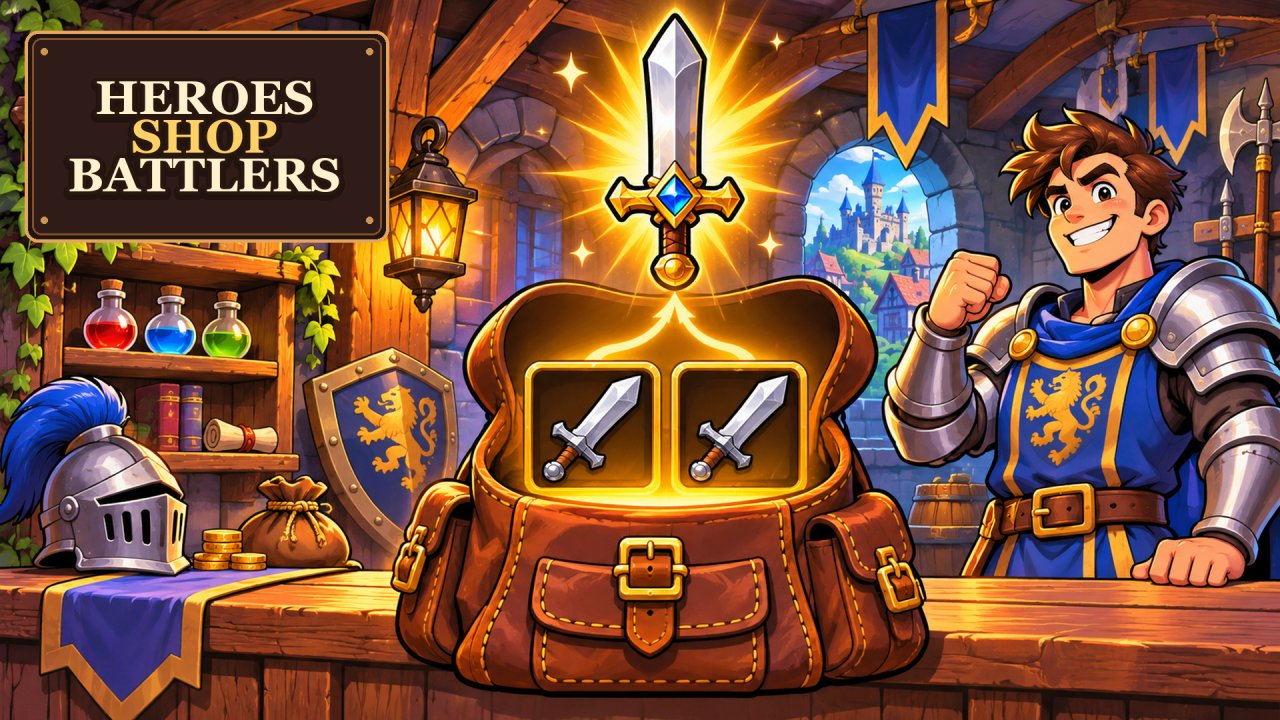 Heroes Shop Battlers
 Joker Ritual
 Breachfall
 Bribes & Stamps
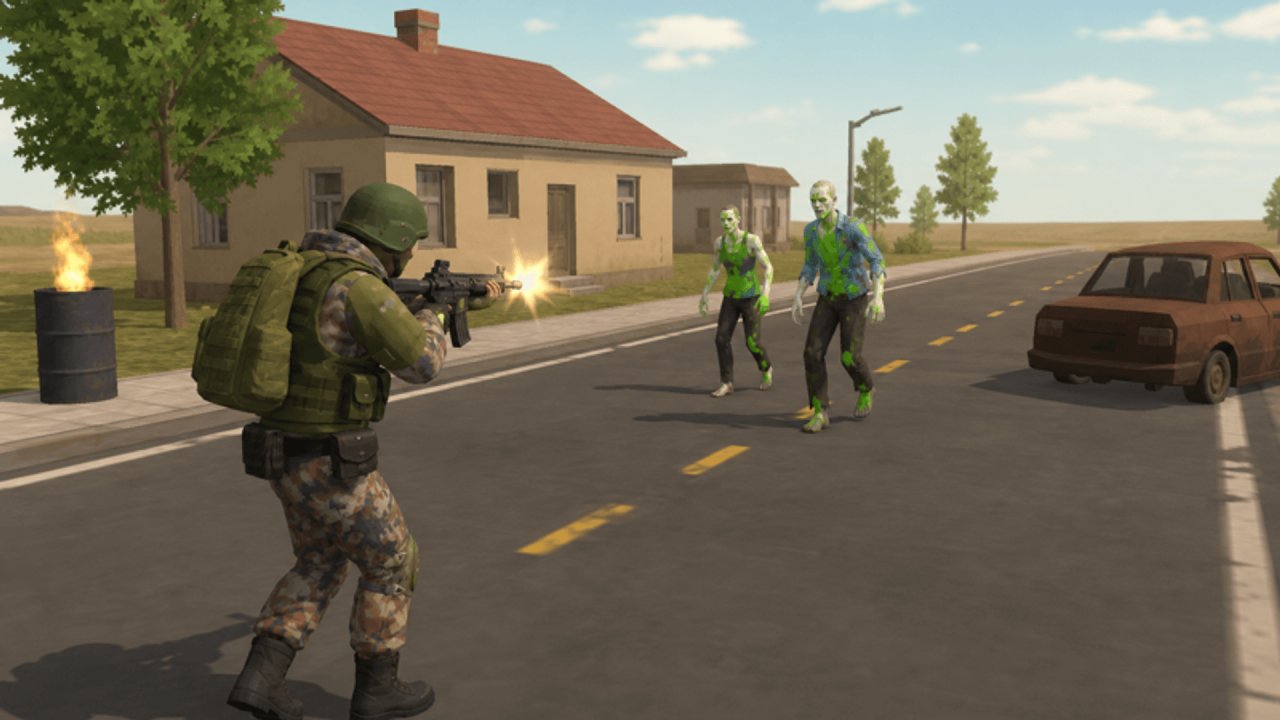 Mutant Zone: Zombie Merge Fighter
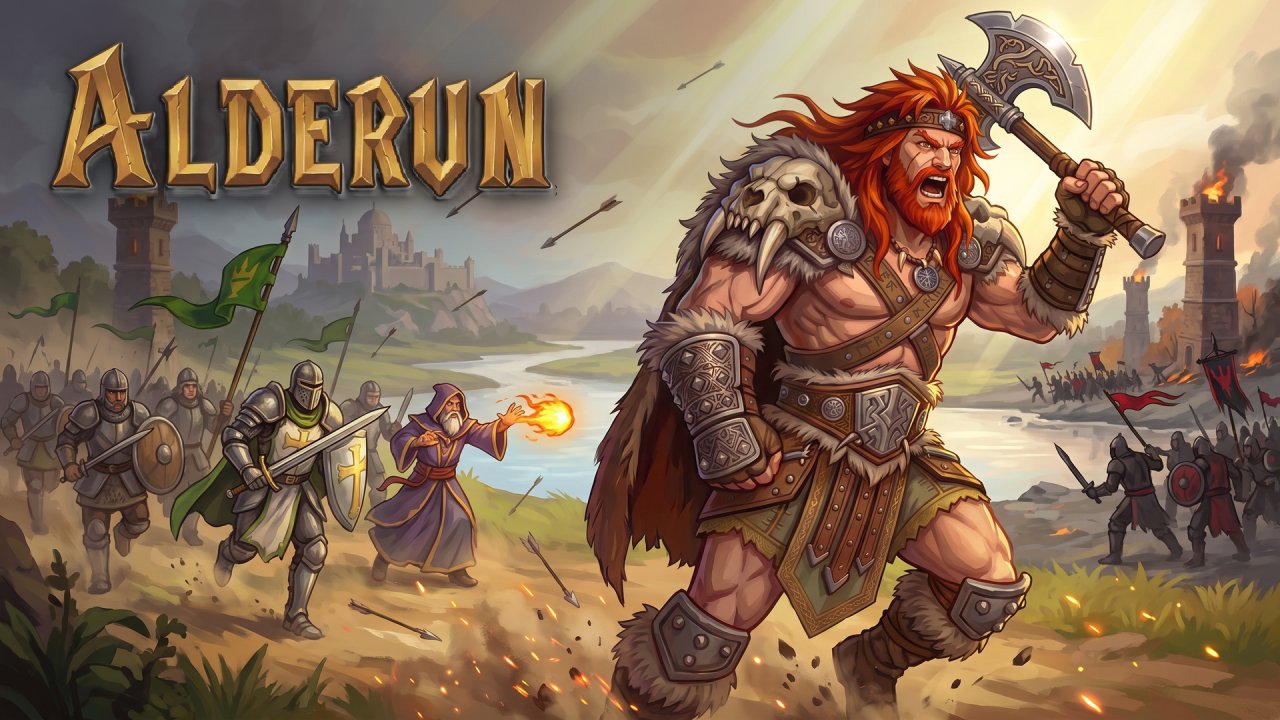 Alderun
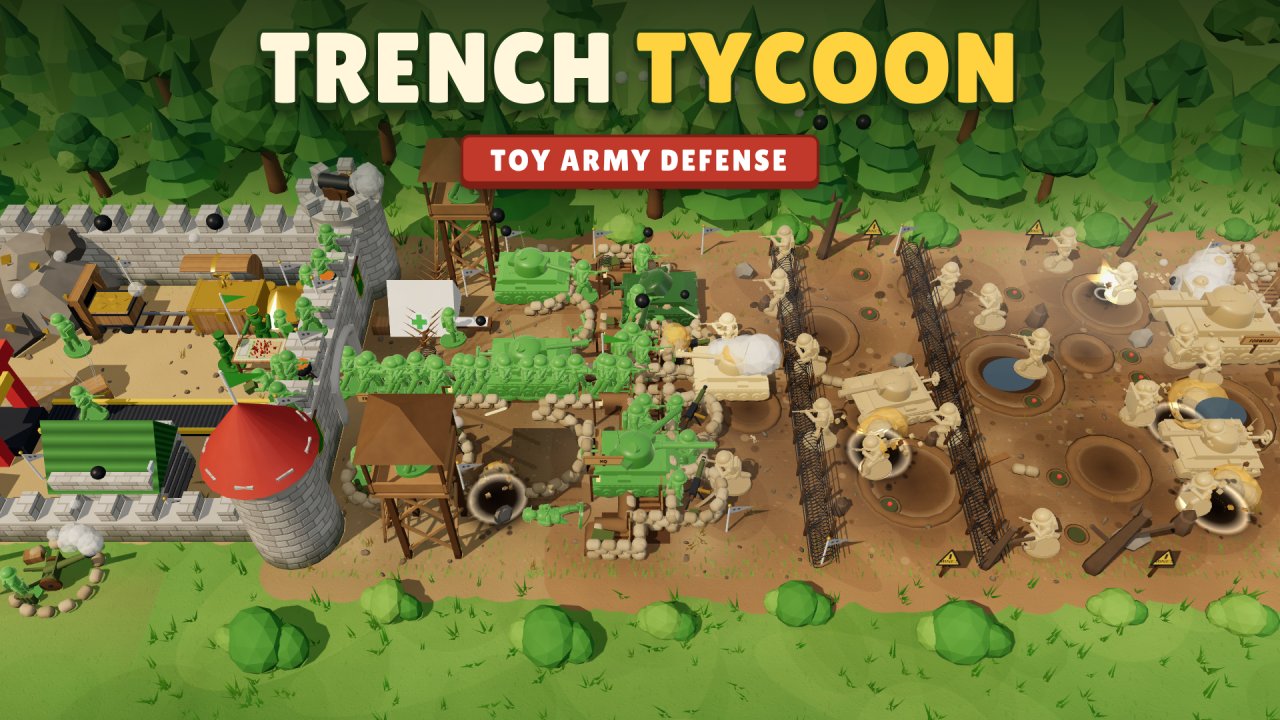 Trench Tycoon: Toy Army Defense
 Dicey Paws Idle
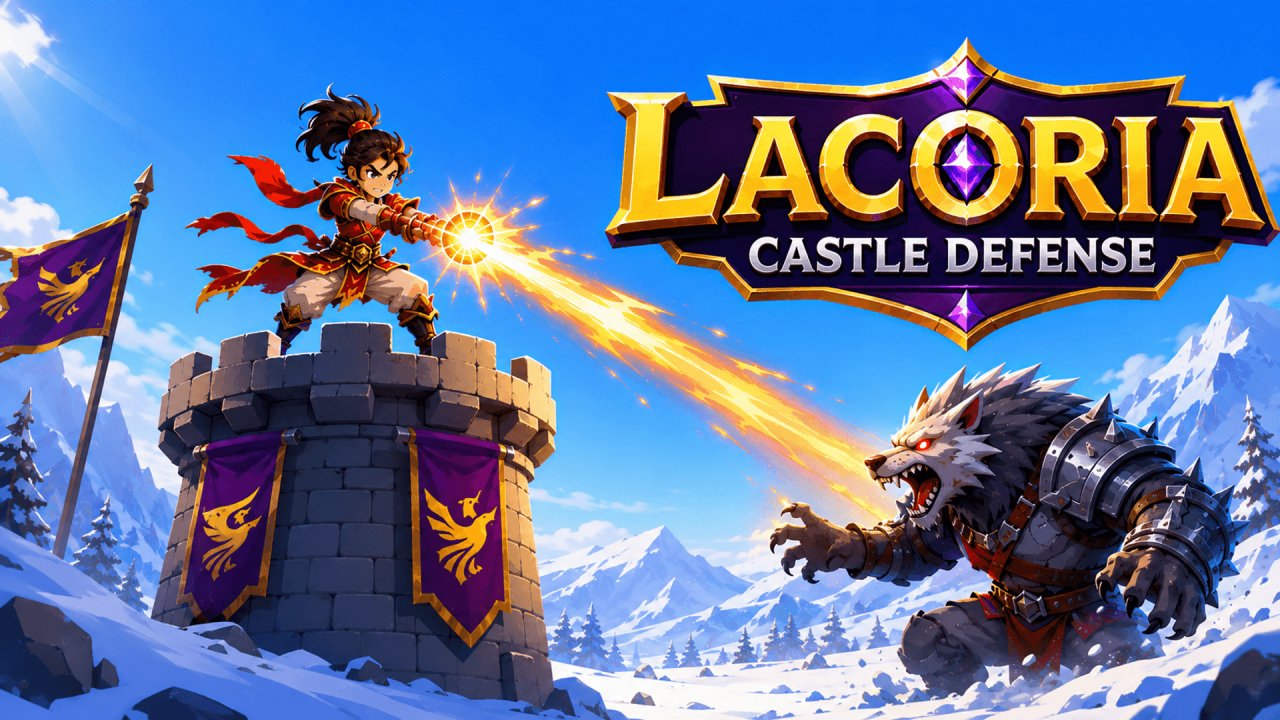 Lacoria Castle Defense
 Dungeon Shop Rush
 Tavern Cardsharp
 Ash of the Front
 The Last Company
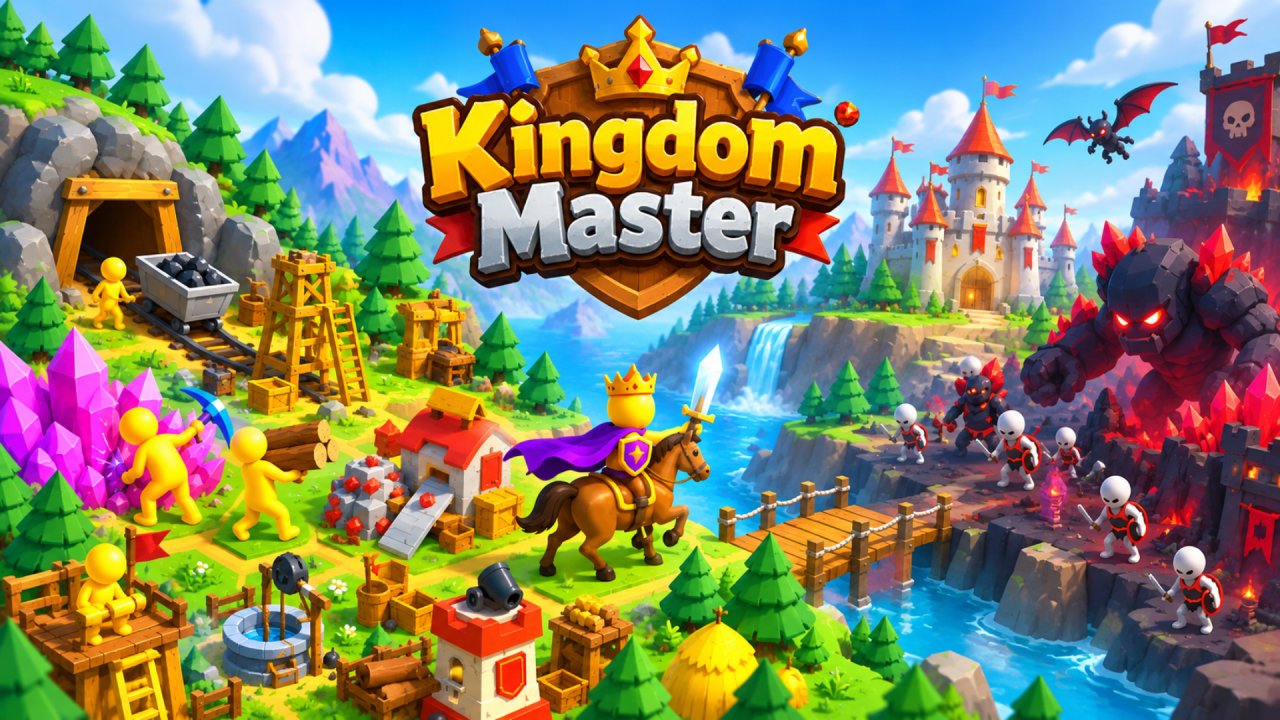 Kingdom Master
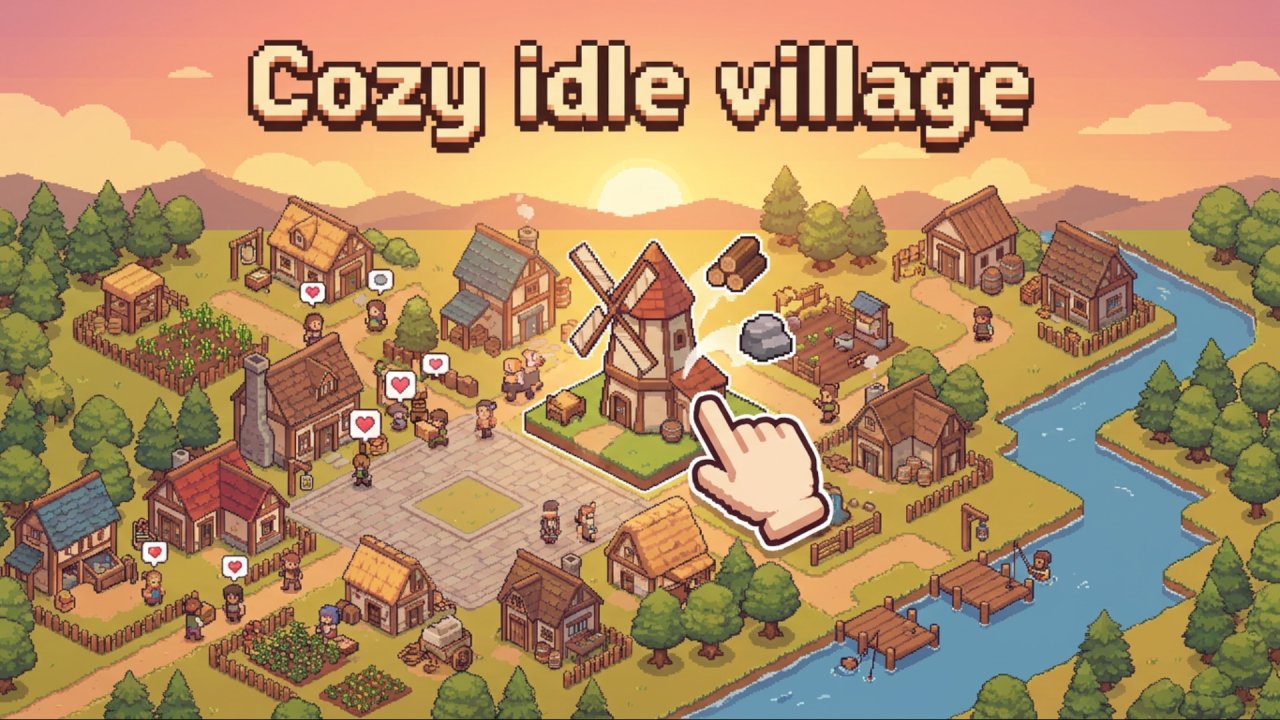 Cozy idle village
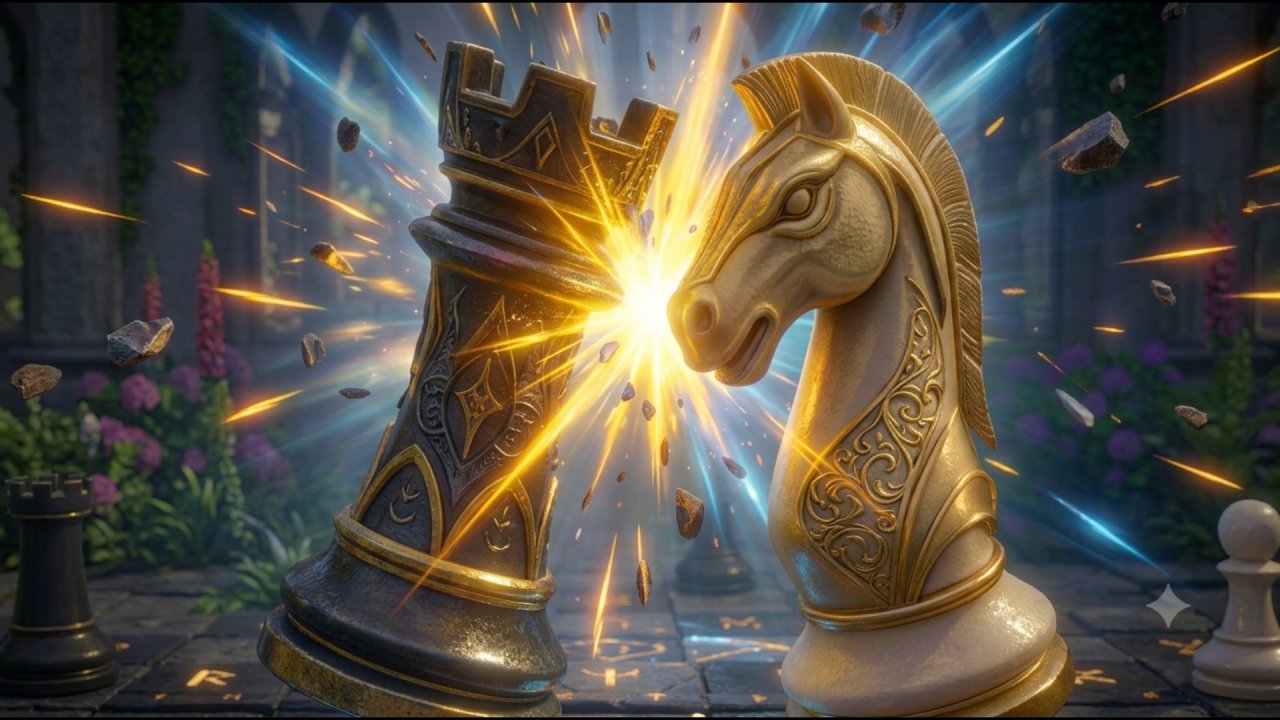 3D Chess - Arcane Edition
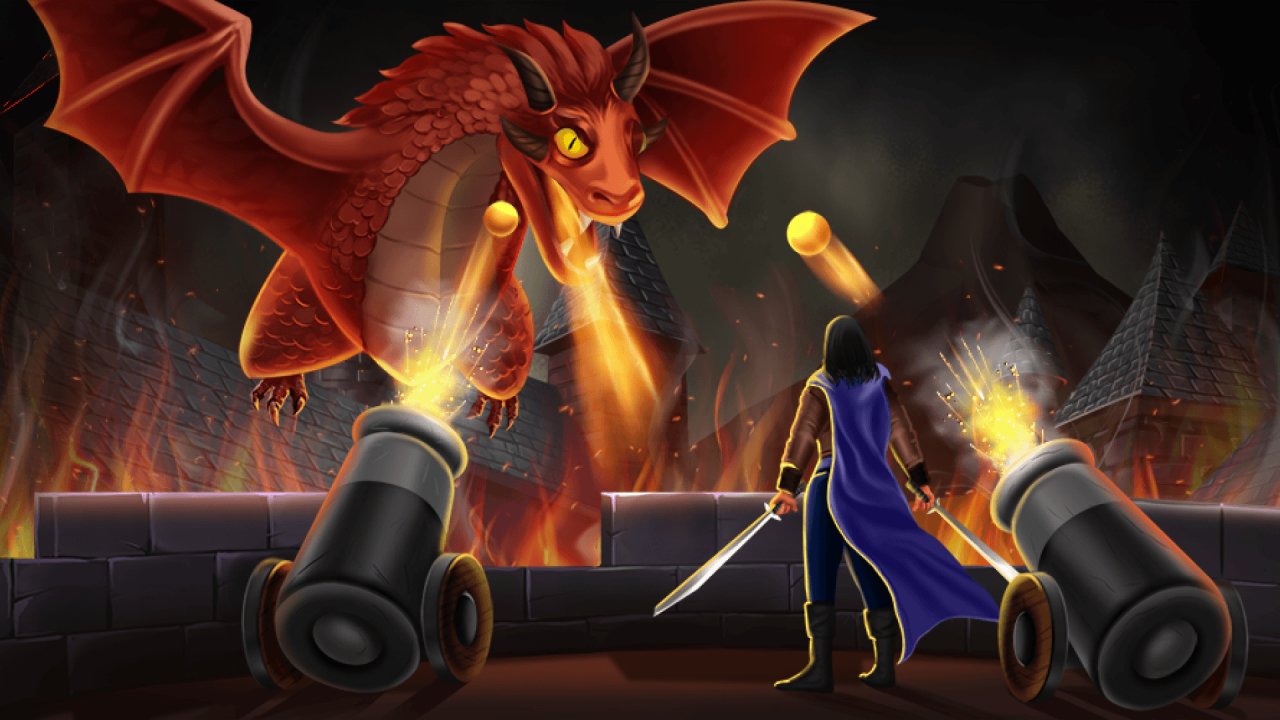 Dragon Annihilation
 Ashfall Industries
 Merge Elementals: Castle Defense
 Miscast
 Merge Rockets: Obby
 The long way home
 My Army Base
 Syntagma