 PLAYS-GAMESCOM
Sign in
Tap a slime on a touchscreen, or click it with the left mouse button, to send it onto the loop. The slime shoots pixels of its own color as it moves; the number on it shows its remaining shots. Choose the order of your slimes carefully and send parked slimes back onto the loop when their color is needed. Keep parking spaces available and clear every pixel to complete the level. Use boosters to help with difficult puzzles. No keyboard controls are required.
Slime Loop is a bright puzzle where little slimes run around a circuit and wipe out pixels of their own color. You decide which slime to release next, watch how many shots it has left and keep the small number of parking spaces from filling up. The pixel-art pictures come in 450 levels that bring in new rules, and boosters can rescue a board that looks impossible. The slime fires pixels as it travels, and the number shown on it tells you how many shots remain. On a touch screen you tap a slime, and with a mouse you click it, to send it onto the loop, and parked slimes can be sent out again later. The game suits desktop and mobile in a horizontal layout. Tip: think about the order, and release slimes whose color is still plentiful on the picture.
Similar picks on Plays Games: Sort Master, HEX Connect and Picture Jam Factory.
Sign in to join the conversation.
Matching games challenge you to recognize similarities, identify patterns and connect related objects. Explore puzzles involving matching pairs, sorting items and completing different combinations. Some games emphasize observation and memory, while others introduce planning and time-based challenges.
Slime Loop is a bright puzzle where little slimes run around a circuit and wipe out pixels of their own color. You decide which slime to release next, watch how many shots it has left and keep the small number of parking spaces from filling up. The pixel-art pictures come in 450 levels that bring in new rules, and boosters can rescue a board that looks impossible. The slime fires pixels as it travels, and the number shown on it tells you how many shots remain. On a touch screen you tap a slime, and with a mouse you click it, to send it onto the loop, and parked slimes can be sent out again later. The game suits desktop and mobile in a horizontal layout. Tip: think about the order, and release slimes whose color is still plentiful on the picture.
Similar picks on Plays Games: Sort Master, HEX Connect and Picture Jam Factory.
Tap a slime on a touchscreen, or click it with the left mouse button, to send it onto the loop. The slime shoots pixels of its own color as it moves; the number on it shows its remaining shots. Choose the order of your slimes carefully and send parked slimes back onto the loop when their color is needed. Keep parking spaces available and clear every pixel to complete the level. Use boosters to help with difficult puzzles. No keyboard controls are required.
 Square Sort
 Connect: Monsters
 Match Story : Animals
 Candy Mahjong 3D
 Pop Sweet Fruits
 Noob: Big Item Sorting
 Match Master
 Fruite Swipe
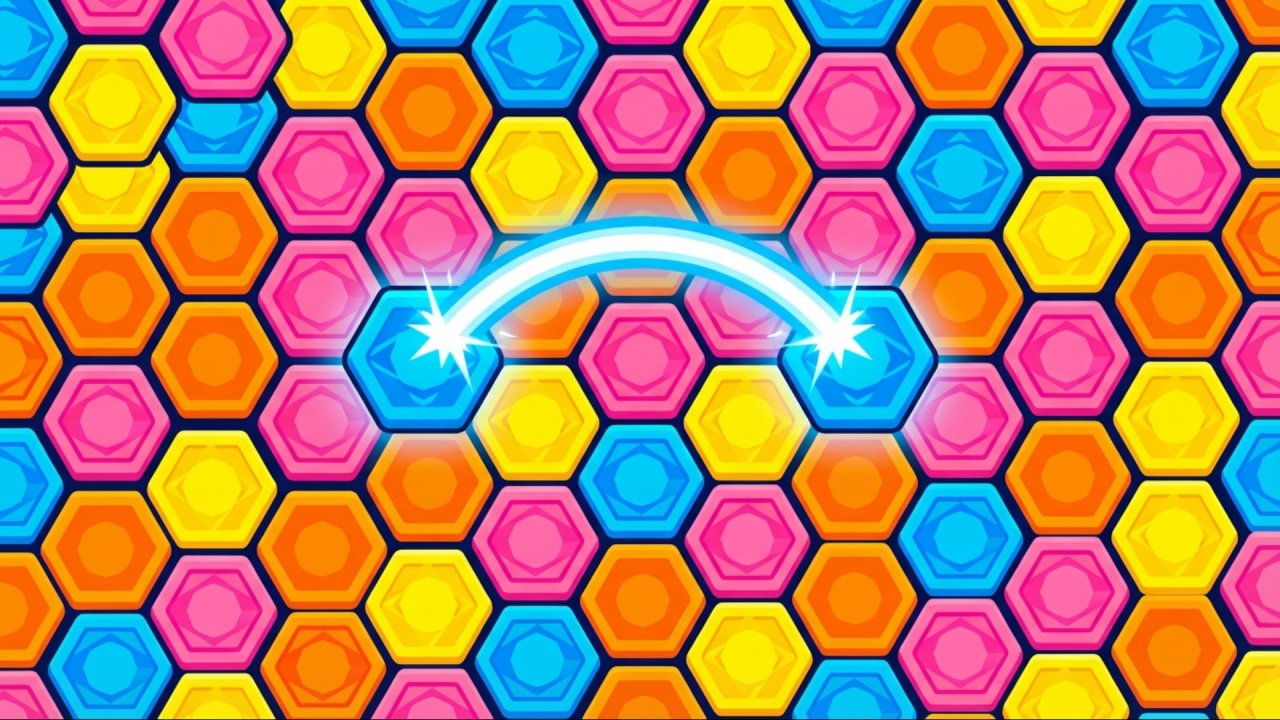 HEX Connect
 Find a Pair 3D
 Purrfect Match
 Catch the Bear
 Fantasy Fish World Mahjong
 Mahjong Tower: Puzzles
 Happy jelly
 Match Challenge
 Foxy Eco Sort
 Mahjong Pirate Plunder Quest
 Sheep Sort
 Emoji Sort
 Merge Mushroom
 Tile Match
 Match them up!
 Sort Master