 PLAYS-GAMESCOM
Sign in
🎯 Goal — Rebuild every picture before the timer hits zero. Targets sit at the top; their pieces are scattered across several blocks. Line them up correctly relative to each other and the picture snaps together on its own. They don't have to be in any particular spot on the board — just in the right formation.
🖱️ Controls — Drag a block. That's it. Blocks slide through empty space only. For boosters: tap the booster → tap your target (valid blocks glow).
💀 You lose if the timer runs out or a bomb hits zero. Costs a life — but you can revive on the spot.
🧠 Tips — Think backwards (which block moves last?). Shrink, don't shove (Hammer beats rearranging). Kill bombs early. Chase pictures, not tidiness — every completed picture clears blocks and thaws ice.
Picture Shift is a sliding block puzzle in which a small image has been broken apart and scattered over a crowded board. It might be a cow, a rocket or a pizza slice, and your job is to slide the pieces back together until the picture appears again.
Blocks come in many shapes, including squares, lines, L and T forms, zigzags and crosses, and they can only move through spaces wide enough for them. The real challenge is the order of your moves, because a careless slide can trap the block you need. A timer runs throughout. Later levels add ice that freezes blocks, chains that need a key, pinned pieces, blocks that travel on one axis only and bombs with countdowns. Boosters can help when you get stuck.
Simply drag a block to move it, using the mouse or a finger. The pieces only need to be lined up correctly with each other, not placed in a fixed spot, so focus on their formation.
If it clicks with you, Wood Color Block, Coffee Color Blocks and Tap 3D Wood Block Away are close in spirit.
Sign in to join the conversation.
Picture Shift is a sliding block puzzle in which a small image has been broken apart and scattered over a crowded board. It might be a cow, a rocket or a pizza slice, and your job is to slide the pieces back together until the picture appears again.
Blocks come in many shapes, including squares, lines, L and T forms, zigzags and crosses, and they can only move through spaces wide enough for them. The real challenge is the order of your moves, because a careless slide can trap the block you need. A timer runs throughout. Later levels add ice that freezes blocks, chains that need a key, pinned pieces, blocks that travel on one axis only and bombs with countdowns. Boosters can help when you get stuck.
Simply drag a block to move it, using the mouse or a finger. The pieces only need to be lined up correctly with each other, not placed in a fixed spot, so focus on their formation.
If it clicks with you, Wood Color Block, Coffee Color Blocks and Tap 3D Wood Block Away are close in spirit.
🎯 Goal — Rebuild every picture before the timer hits zero. Targets sit at the top; their pieces are scattered across several blocks. Line them up correctly relative to each other and the picture snaps together on its own. They don't have to be in any particular spot on the board — just in the right formation.
🖱️ Controls — Drag a block. That's it. Blocks slide through empty space only. For boosters: tap the booster → tap your target (valid blocks glow).
💀 You lose if the timer runs out or a bomb hits zero. Costs a life — but you can revive on the spot.
🧠 Tips — Think backwards (which block moves last?). Shrink, don't shove (Hammer beats rearranging). Kill bombs early. Chase pictures, not tidiness — every completed picture clears blocks and thaws ice.
 Money Factory - Earn a Billion
 Squid Game Tower Defense
 CubeGate
 Help Tricky Story A Complicated Story
 Liquid Sort Puzzle
 Screw Jam Puzzle
 Screw Color Puzzle
 Escape Strange Girl’s House
 Color Sort Puzzle
 Aqua Sort: Water Color Puzzle
 Draw path to home
 Pirates Merge: War Path
 Master of Numbers
 Maths Puzzle
 Grid Odyssey: Nonograms
 Slinky Color Sort
 Wood Nuts Master: Screw Puzzle
 Screw & Pin: Puzzle Levels
 Arrows Escape
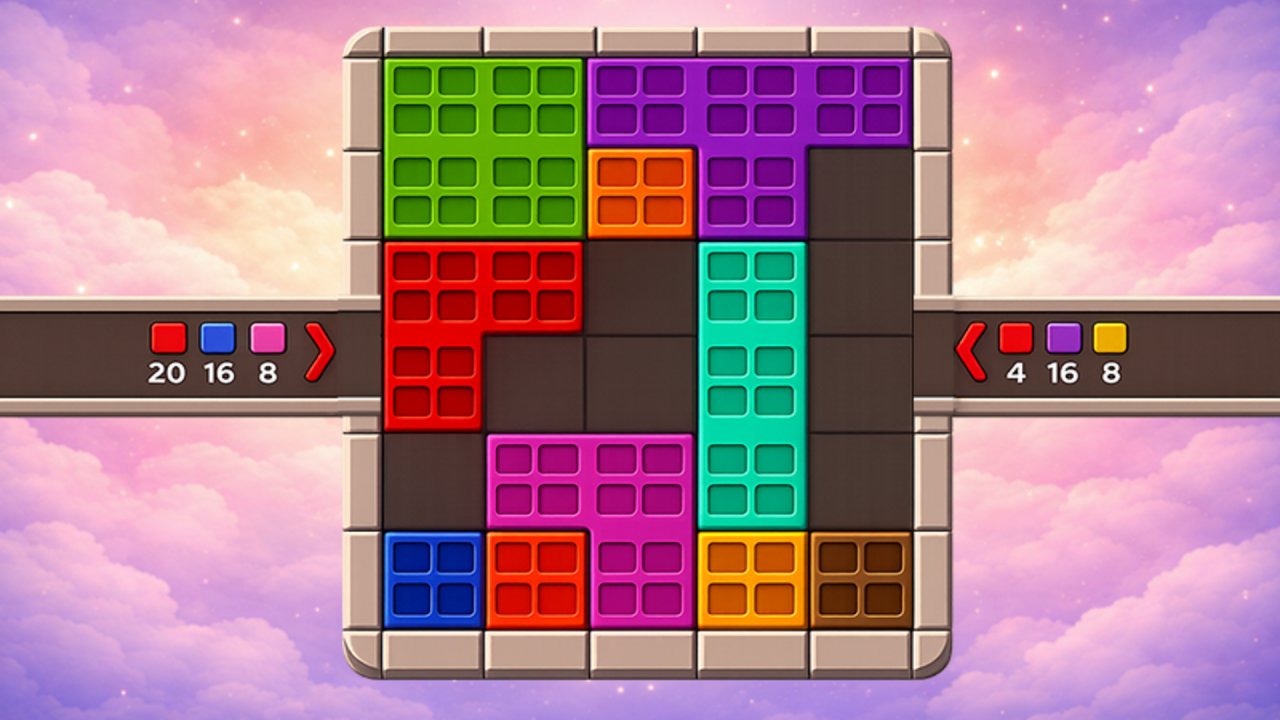 Color Cube Puzzle
 Nuts Bolts Sort
 Sorcerers Refuge
 Coffee Color Blocks
 Wood Color Block