 PLAYS-GAMESCOM
Sign in
Desktop
• WASD or arrow keys: move.
• Space: jump. Press again or hold to use your available midair jumps.
• Mouse: look around. When the cursor is visible, hold the right mouse button and drag to rotate the camera.
• Mouse wheel: zoom in or out.
• Tab: show or hide the cursor.
• Hold E near sneakers: buy or equip them.
• Use the on-screen controls to adjust your speed and camera zoom.
Mobile
Use the joystick on the left to move and swipe on the right to look around. Tap the jump button to jump, or hold it to use your available midair jumps. Use the on-screen buttons and sliders to interact, adjust speed, and zoom.
Obby Keyboard Worlds: +1 Speed & Jump takes you through giant keyboard worlds. Training makes you quicker, extra jumps in the air become available, and you hop from island to island while avoiding swinging hammers and other awkward obstacles. Trophies come in as you go, your sneakers can be improved and a rebirth speeds up your advance, all so that you can get to the end of each world. On a desktop you move with WASD or the arrow keys, jump with Space (press again or hold for your midair jumps), look around with the mouse, hold the right mouse button and drag to rotate the camera when the cursor is visible, zoom with the wheel and show or hide the cursor with Tab. It also works on mobile, in a horizontal layout. Tip: train speed first, since a faster runner clears gaps more easily.
Liked it? Try Barry Prison: Parkour Escape!, Steve parkour in mine or Your Obby Parkour next.
Sign in to join the conversation.
Explore platform games built around jumping, movement and navigating challenging environments. Discover obstacle-filled levels, moving platforms and adventures where timing and precision matter. Some games reward careful exploration, while others challenge you to keep moving and react quickly.
Obby Keyboard Worlds: +1 Speed & Jump takes you through giant keyboard worlds. Training makes you quicker, extra jumps in the air become available, and you hop from island to island while avoiding swinging hammers and other awkward obstacles. Trophies come in as you go, your sneakers can be improved and a rebirth speeds up your advance, all so that you can get to the end of each world. On a desktop you move with WASD or the arrow keys, jump with Space (press again or hold for your midair jumps), look around with the mouse, hold the right mouse button and drag to rotate the camera when the cursor is visible, zoom with the wheel and show or hide the cursor with Tab. It also works on mobile, in a horizontal layout. Tip: train speed first, since a faster runner clears gaps more easily.
Liked it? Try Barry Prison: Parkour Escape!, Steve parkour in mine or Your Obby Parkour next.
Desktop
• WASD or arrow keys: move.
• Space: jump. Press again or hold to use your available midair jumps.
• Mouse: look around. When the cursor is visible, hold the right mouse button and drag to rotate the camera.
• Mouse wheel: zoom in or out.
• Tab: show or hide the cursor.
• Hold E near sneakers: buy or equip them.
• Use the on-screen controls to adjust your speed and camera zoom.
Mobile
Use the joystick on the left to move and swipe on the right to look around. Tap the jump button to jump, or hold it to use your available midair jumps. Use the on-screen buttons and sliders to interact, adjust speed, and zoom.
 Your Obby Escape
 Break a Tower: Obby
 Rolling Balls Sea Race
 Survive the Disasters: Obby
 Obby: Click and Grow
 Your Obby Size
 Obby: Mini-Games VS 1000
 Escape School Duel
 Jump to the Rhythm of Songs! Musical Ball!
 Geometry Vibes
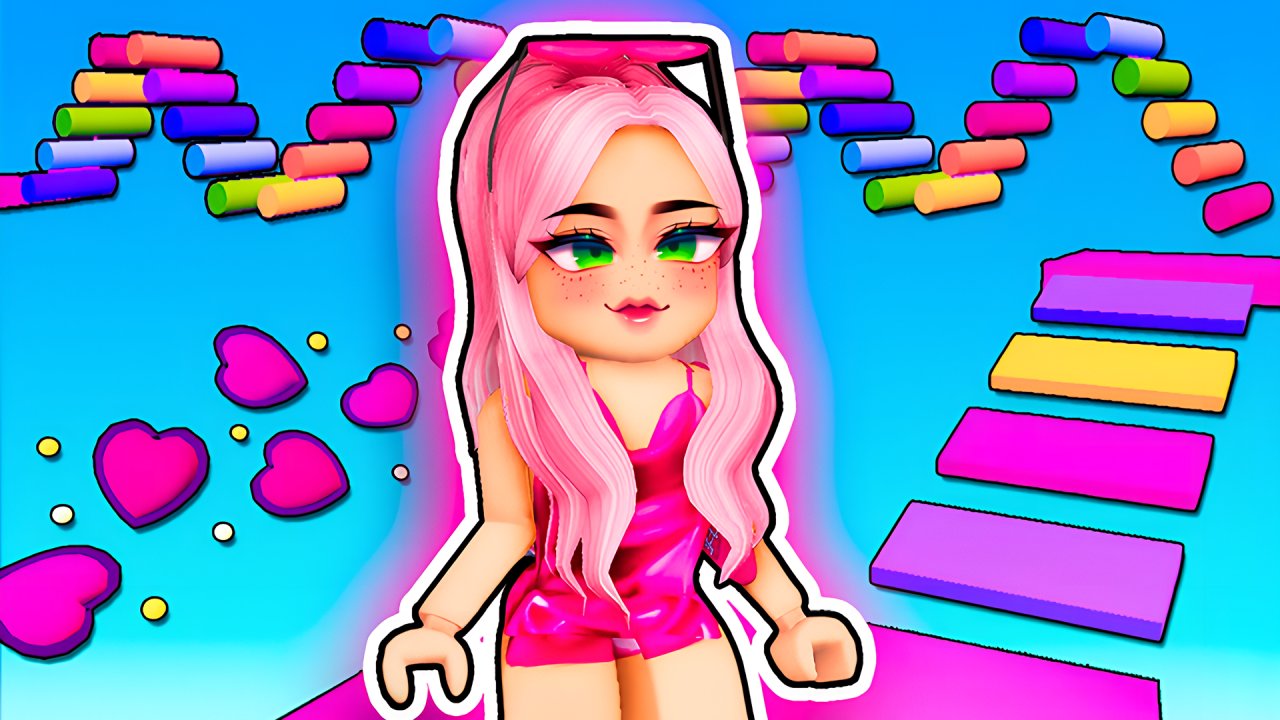 The Aesthetic World of Obby
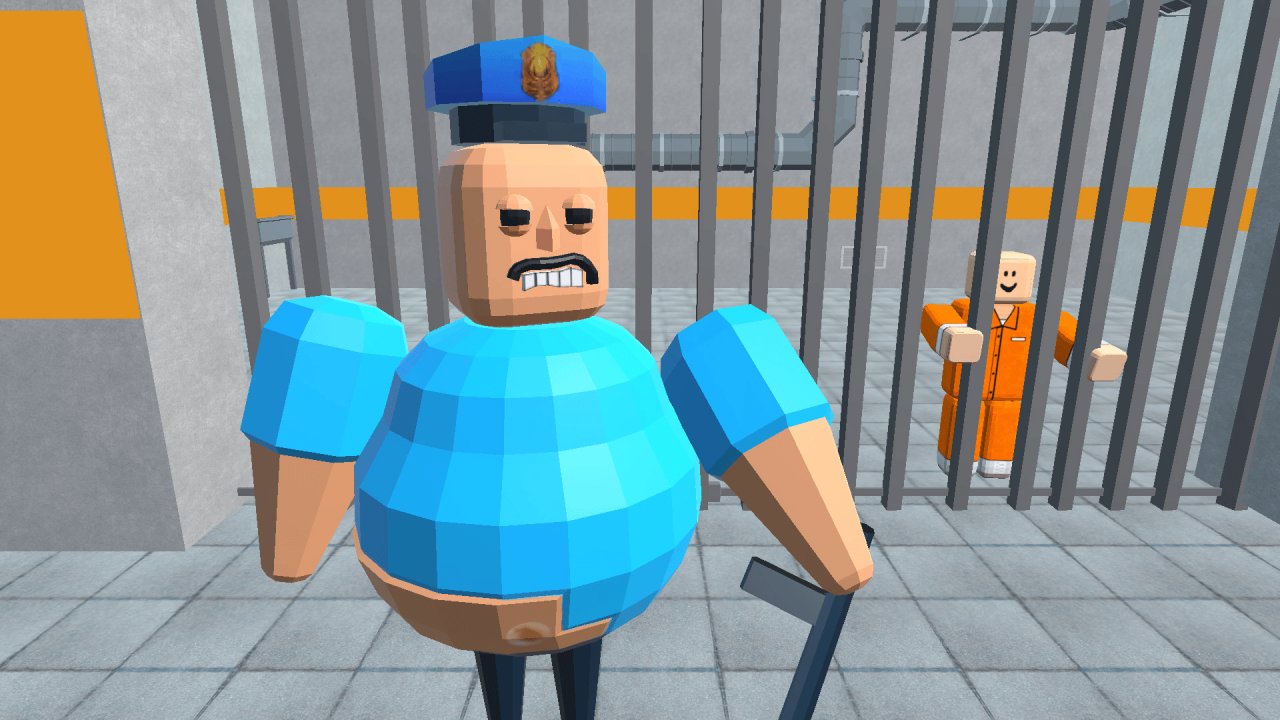 Barry Prison: Parkour Escape!
 Get Tall And Fall
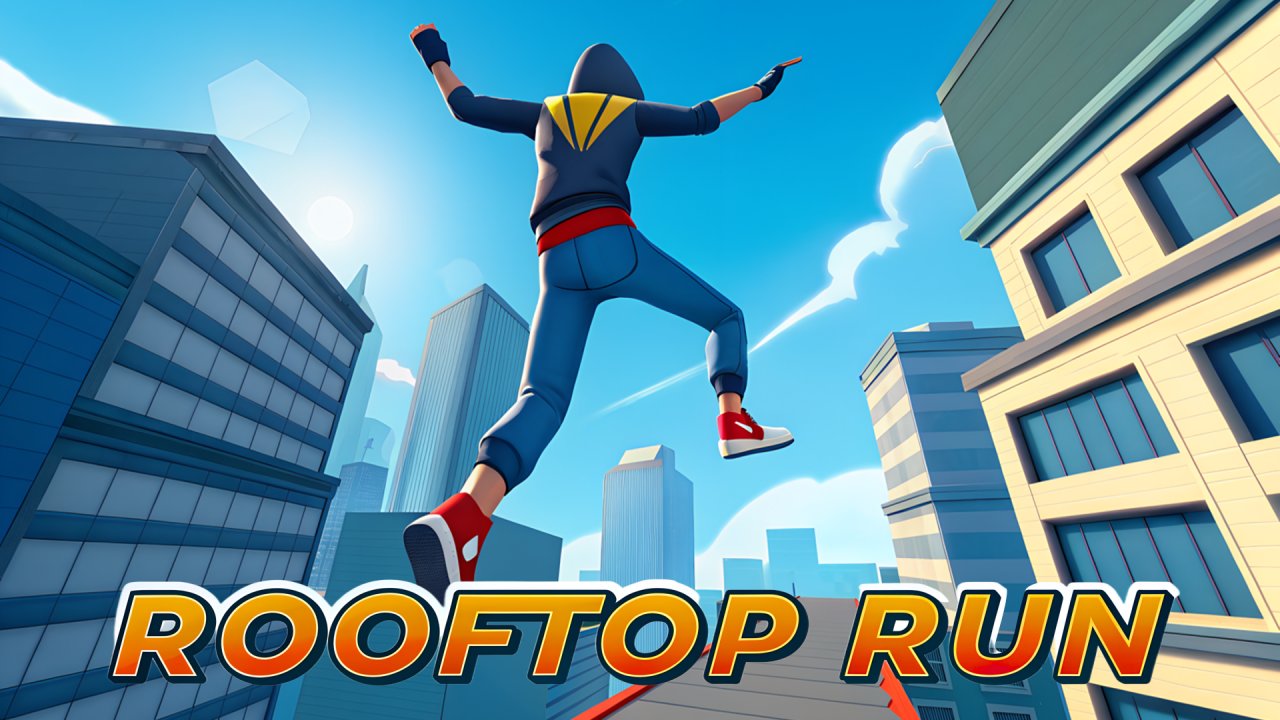 Rooftop Run
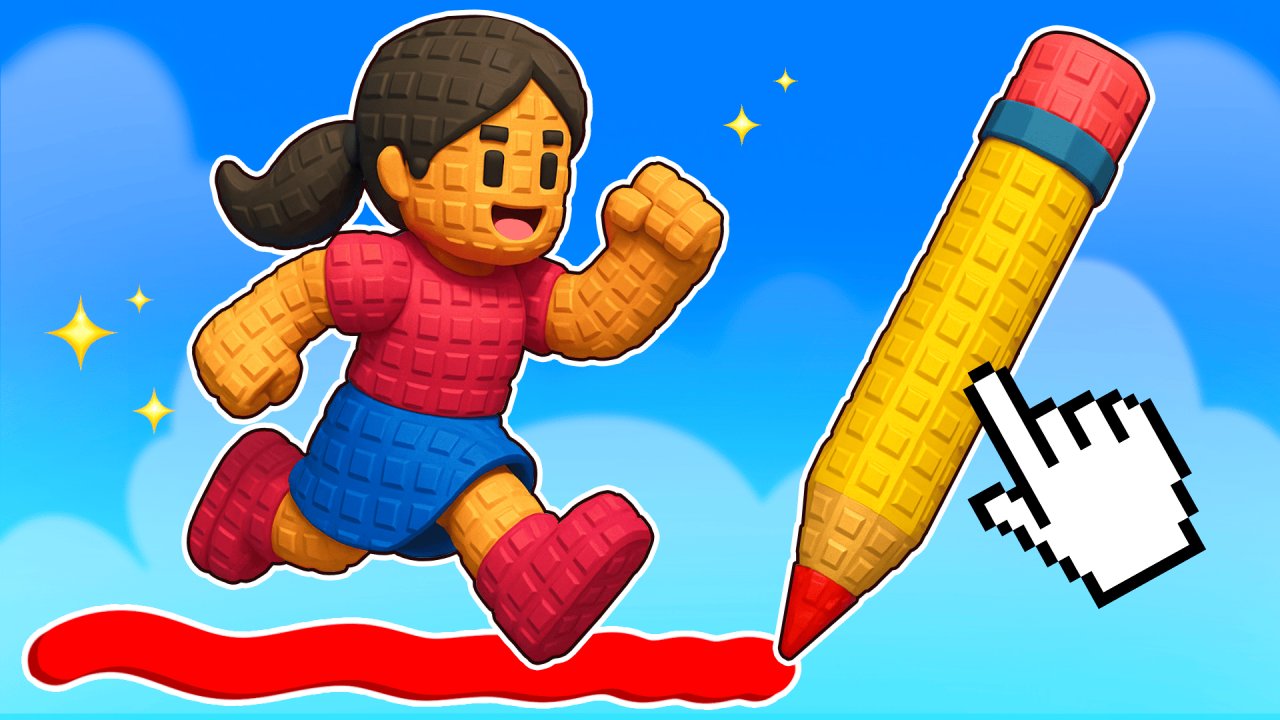 Obby online with friends: Draw and Jump!
 Obby: Climb and Slide
 Obby: +1 Jump per Click
 Obby Royal races in flight
 Rolling In Gears
 Jiffy
 Roots and Wheels
 Neko's Adventure
 OUTSIDE
 Winged Wheels 2